
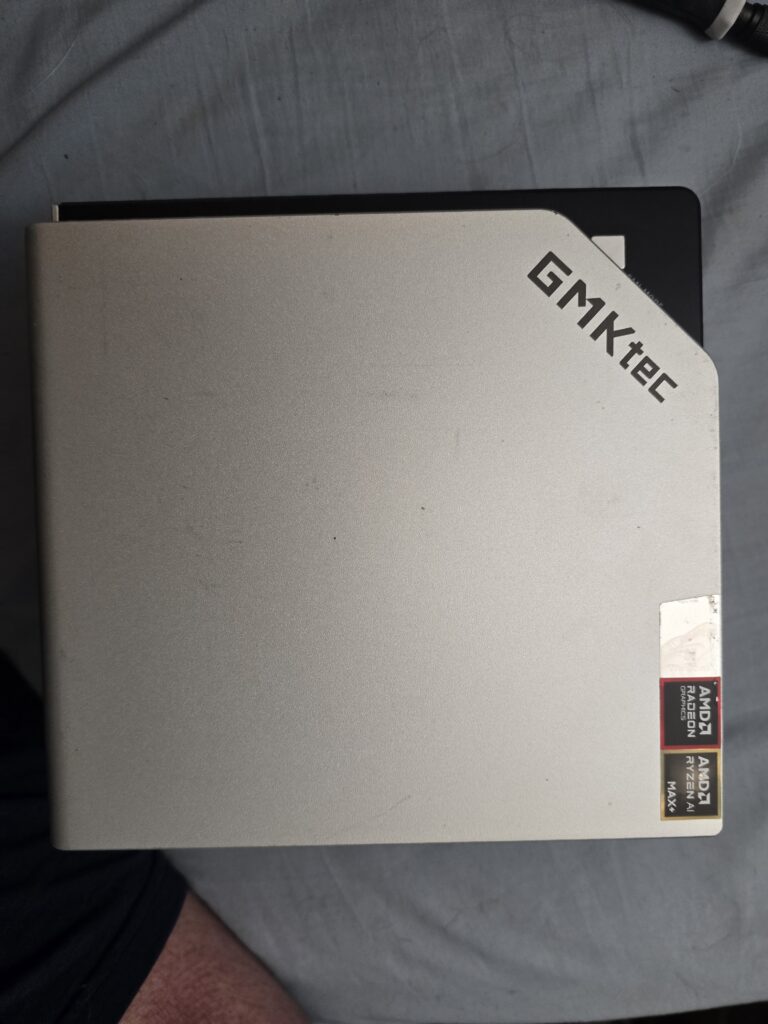
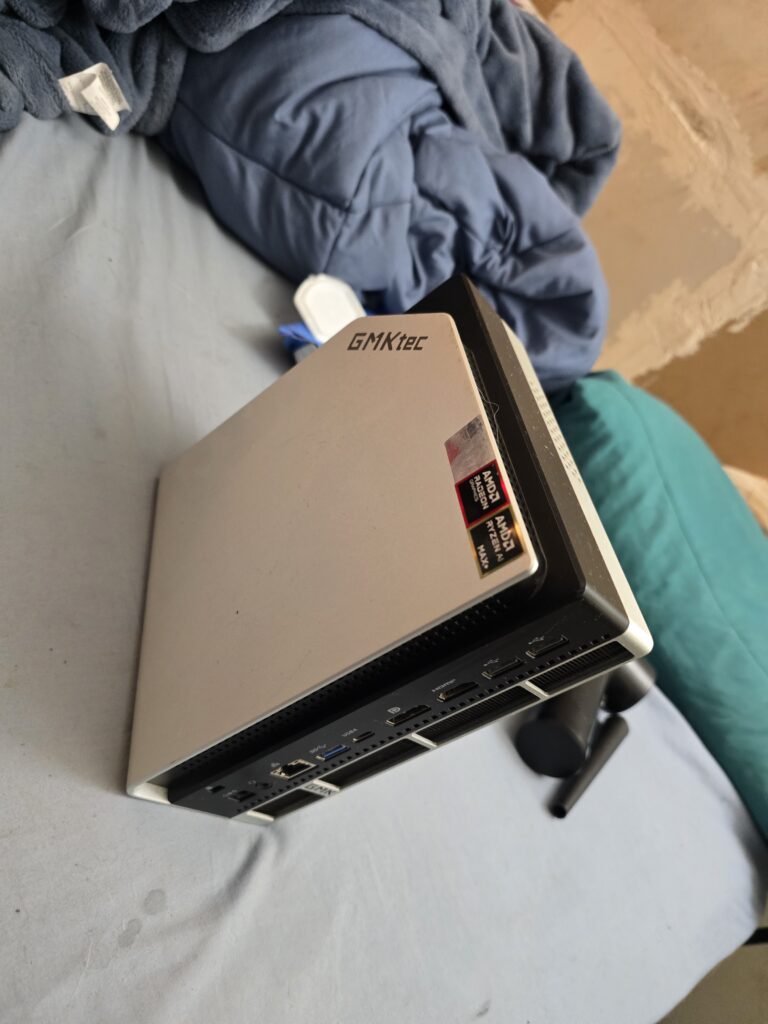
I have a GMKTec Evo-X2 Mini PC purchased last year before the prices went to Alpha Centari. I paid $1799.99 for the Unit and then bought a couple of 4TB Samsung 990 NVMe SSDs to push it to 8TB.
- AMD Ryzen AI 9 395+ Max 16 Zen 5 Cores / 32 Threads
- 128GB LPDDR5-8000 Memory
- AMD 8060S Graphics (40 RDNA 3.5 Compute Units)
- Up to 96GB of the 128GB LPDDR5-8000 can be dedicated to the GPU for Games / AI Tasks.
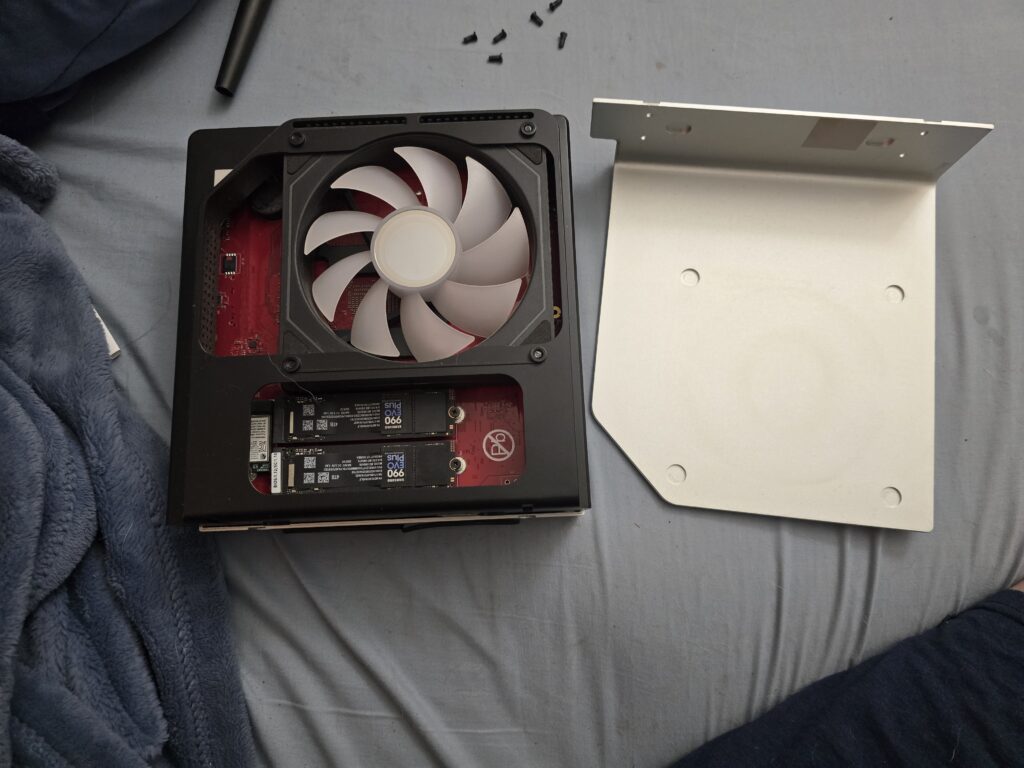
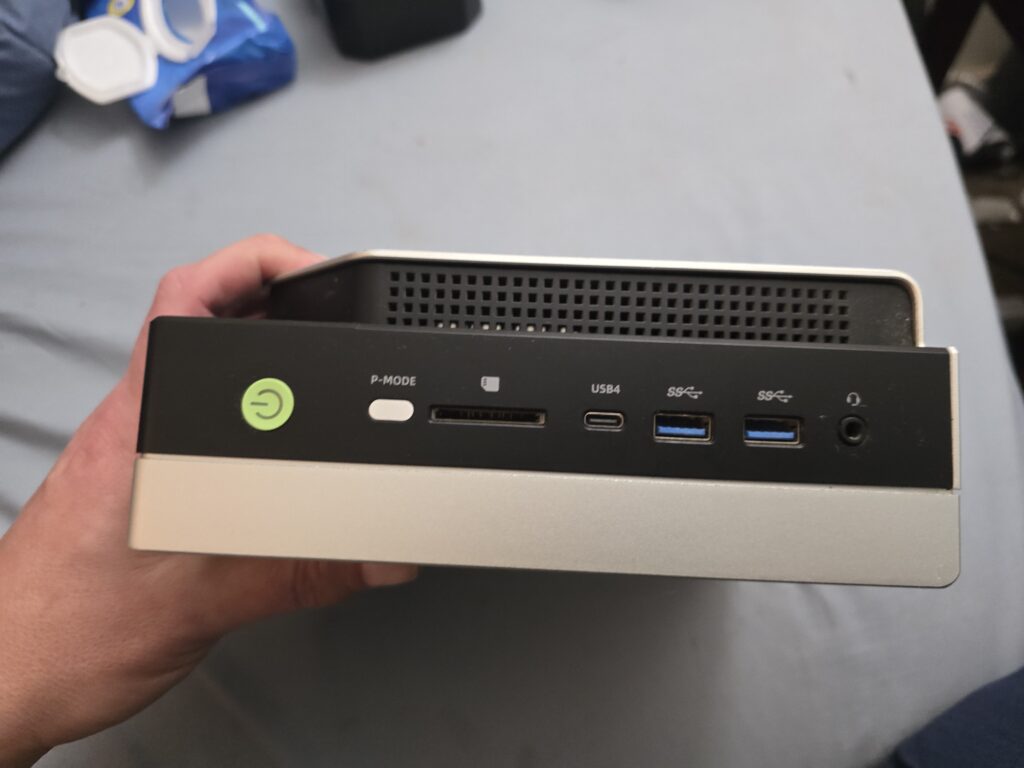
- 2 x 4TB Samsung 990 EVO Plus SSDs
- 2.5Gbit Ethernet.
- Wifi 7 / Bluetooth
Over all its a good machine!. It will play any game I want at a decent frame rate and I can use it to screw around with Open AI Models. Learning how to prompt AI is part of my job and local models are the least impactful way to learn as it doesn’t rely on big tech company’s AI Data-center wrecking the environment, economy, and people’s lives.
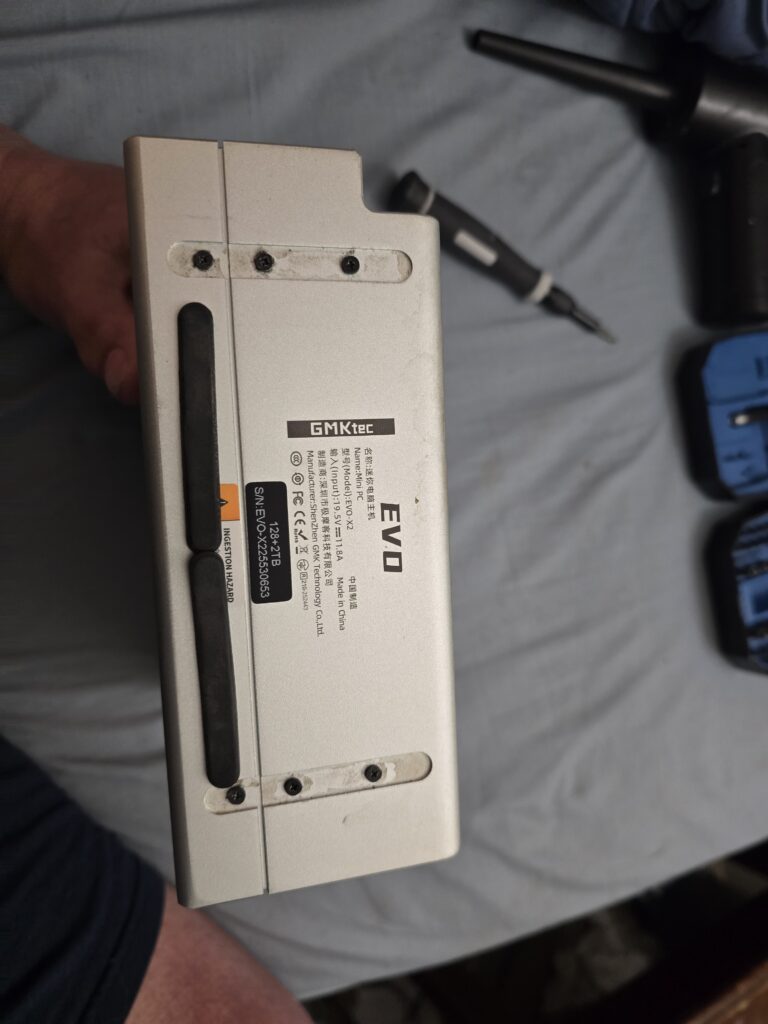
It only uses 240W of power maximum. I have never pushed it above 200W. Much less than my previous tower with a 750W max. I only have 2 gripes. I wish it had 10 gigabit Ethernet and I wish the screws to open it weren’t under rubber feet held on by glue.
I clean the dust out monthly to keep it in good condition. To do this you simply remove the 6 screws from the bottom and remove the covers. Then you can use your favorite dusting tool to blow the dust out of it and wipe out what the air cant get.
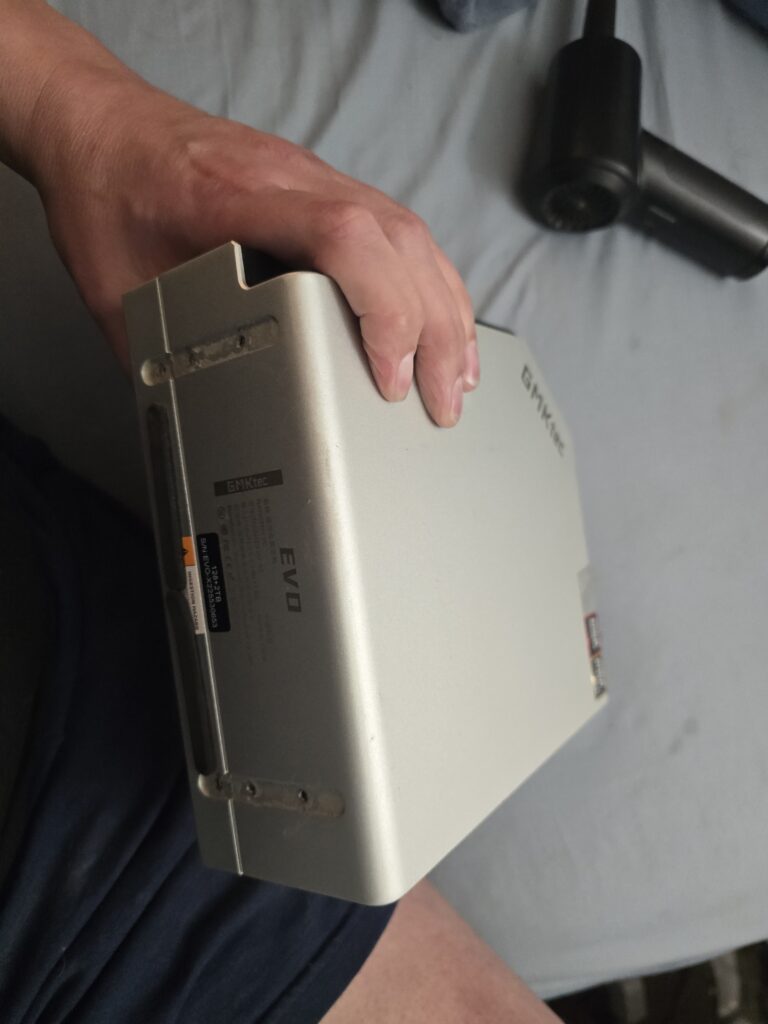
The Evo-X2
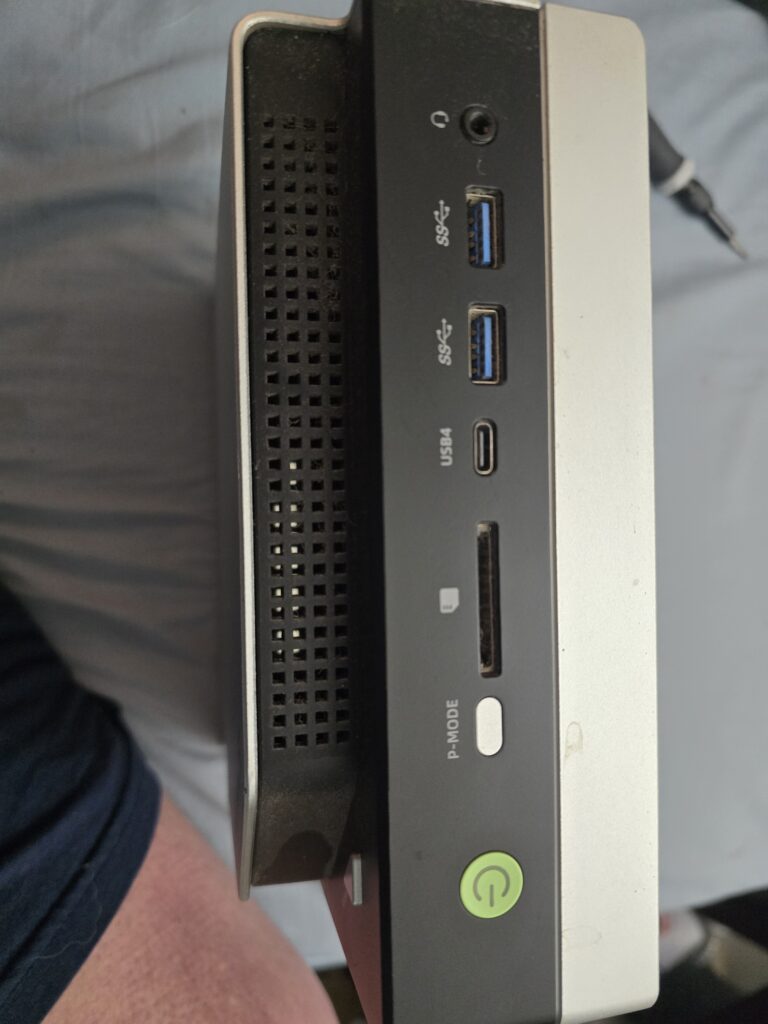
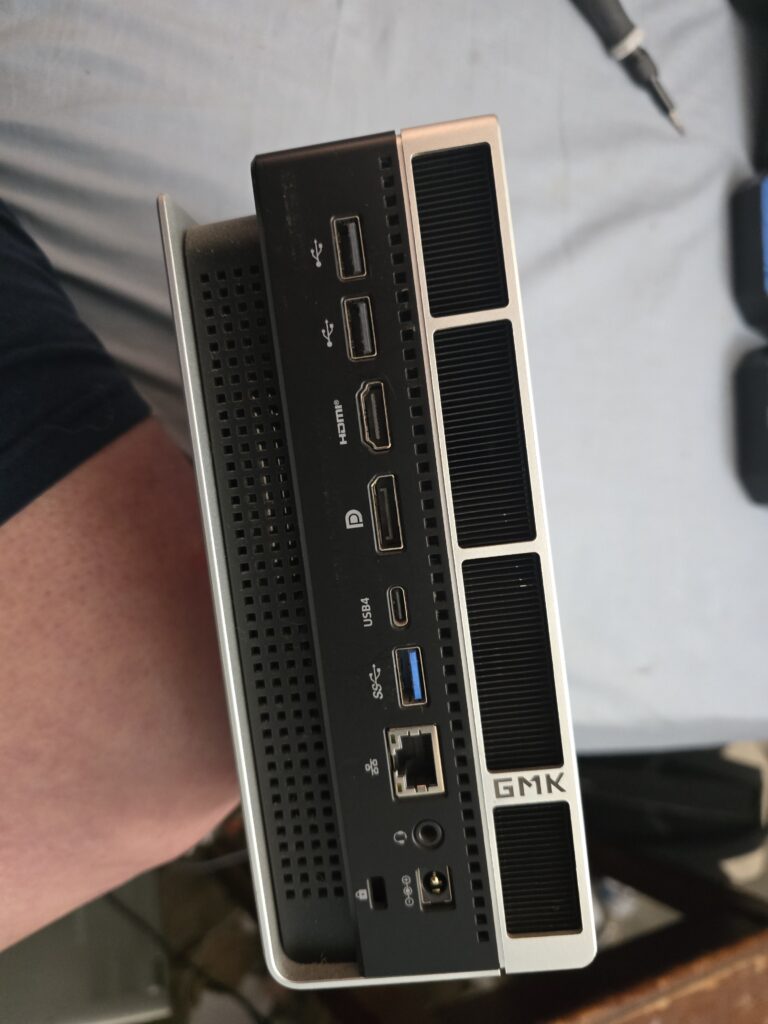
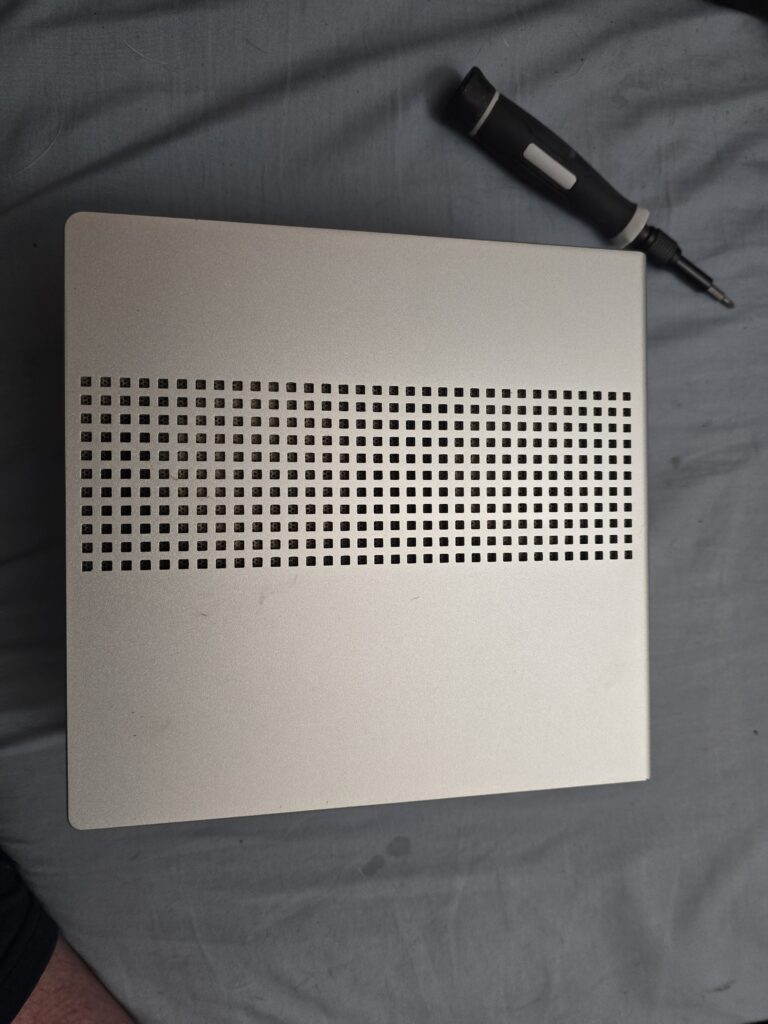
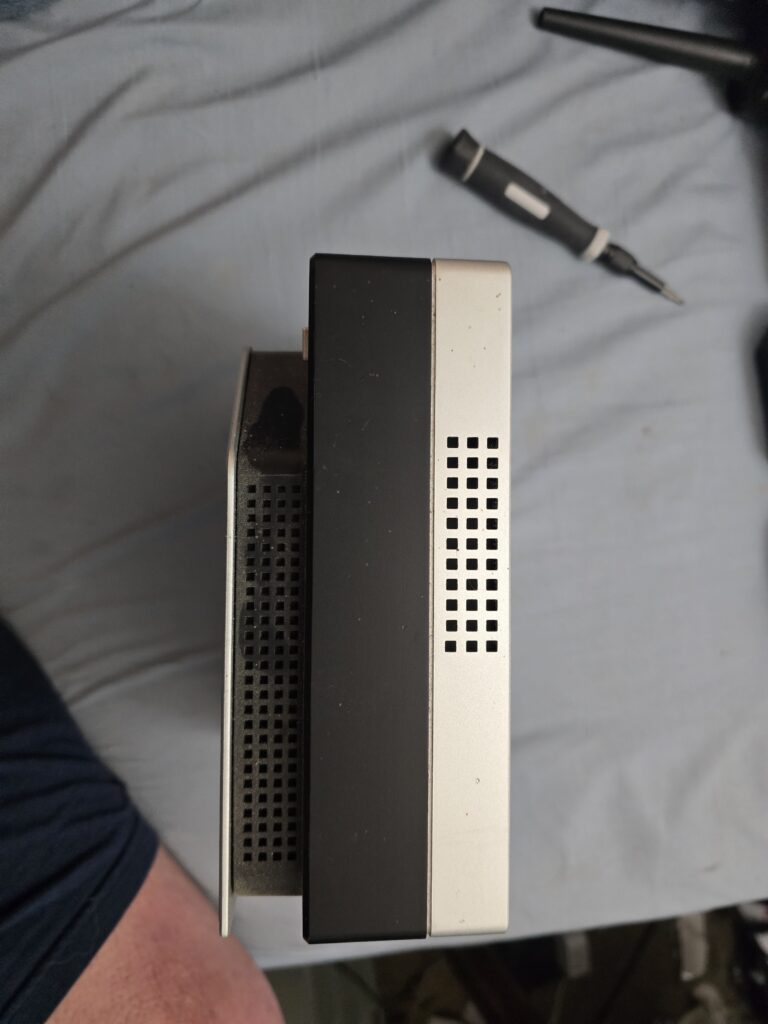
Disassembly
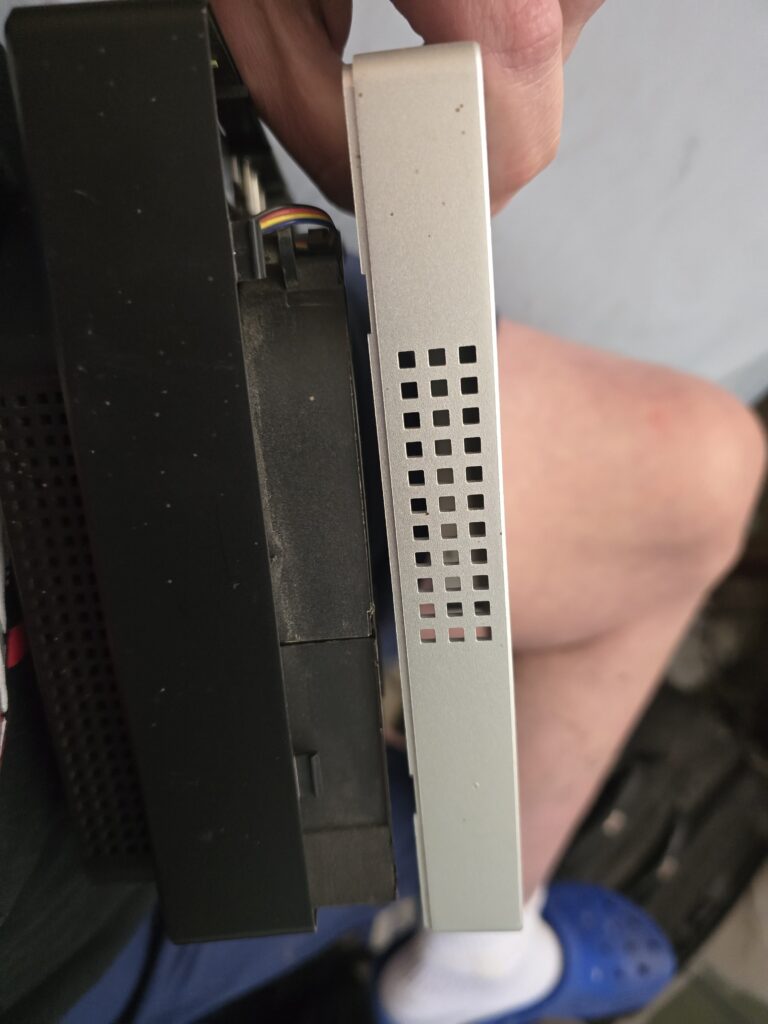
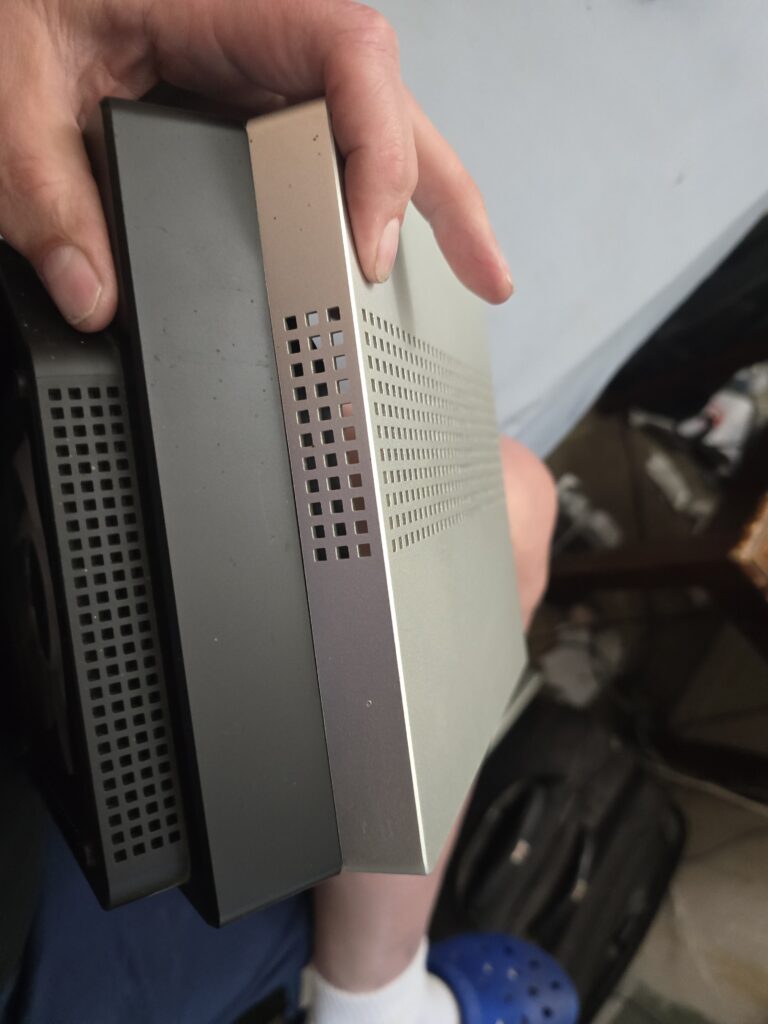
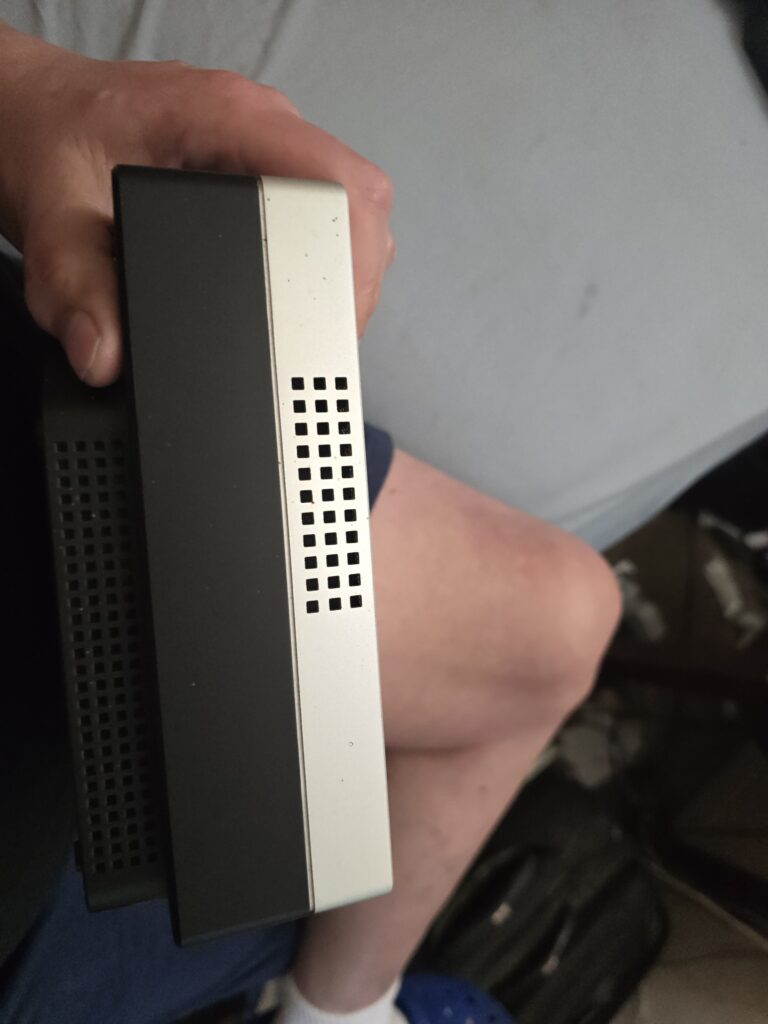
Disassembly requires removing the 2 rubber feet that are glued on and then the 6 screws that hold the 2 side covers on. I usually stick the feet onto the bottom in hopes of protecting the glue that keeps them in place. After that you can tilt the side covers and pull them off.
A look Inside
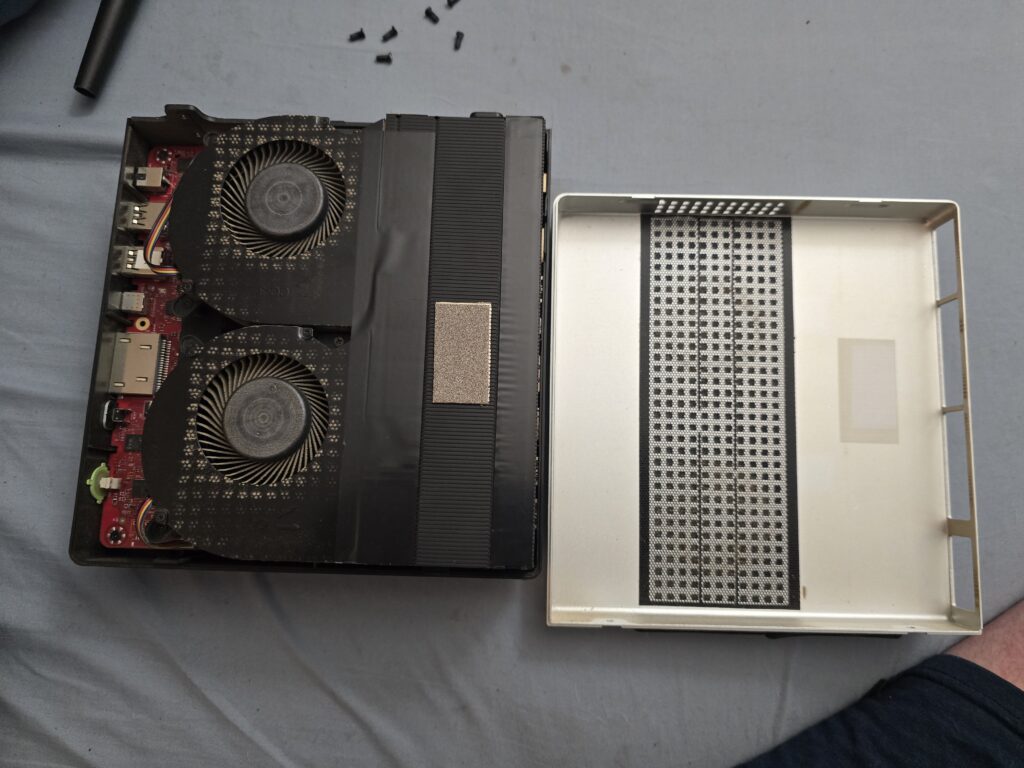
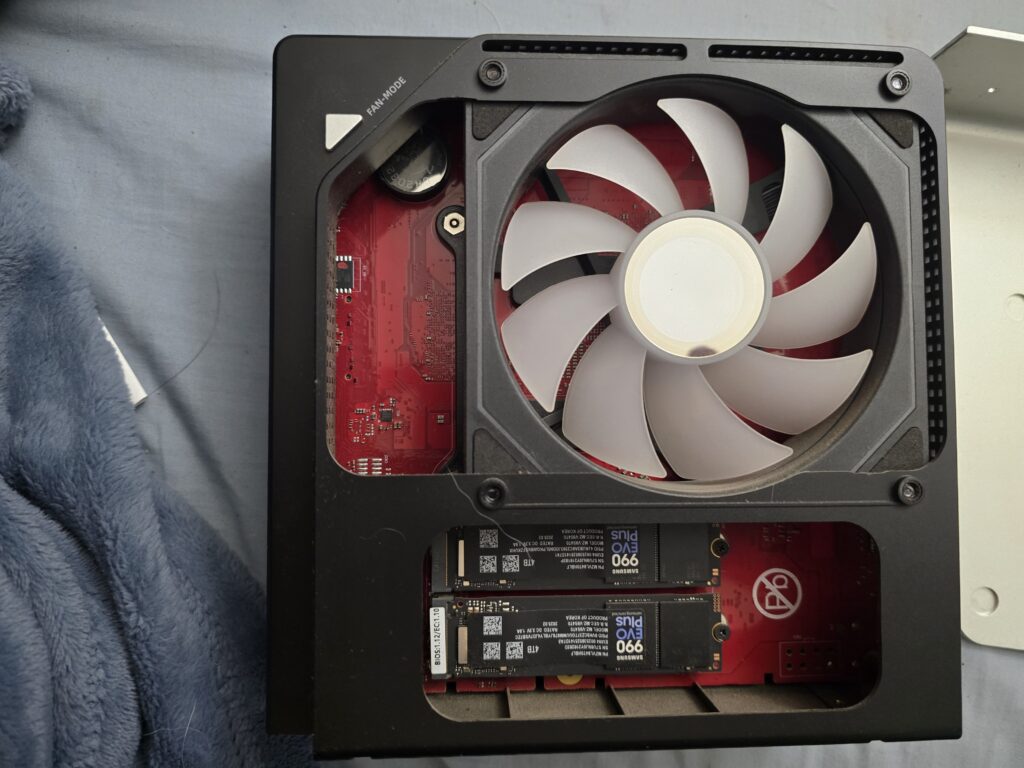
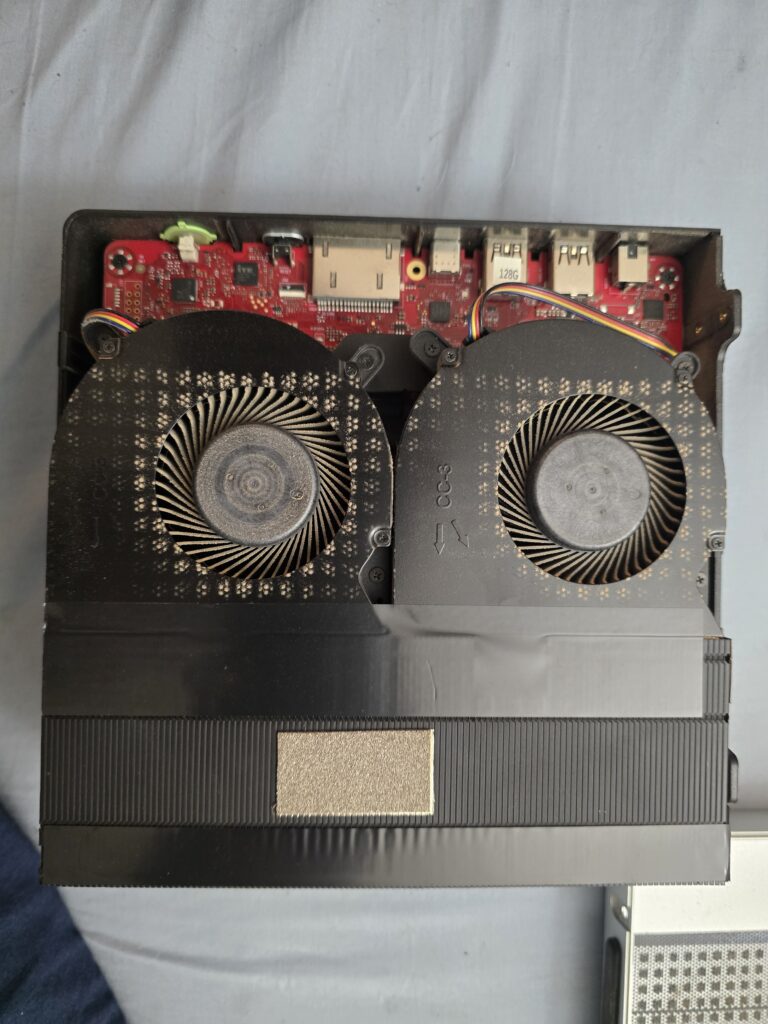
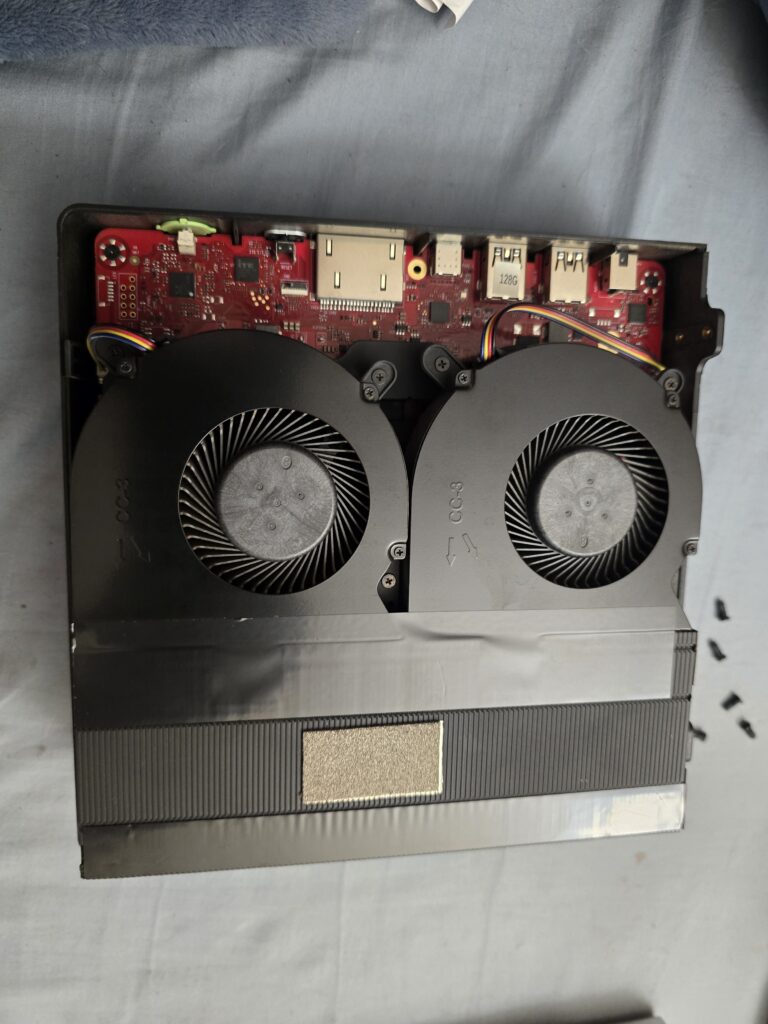
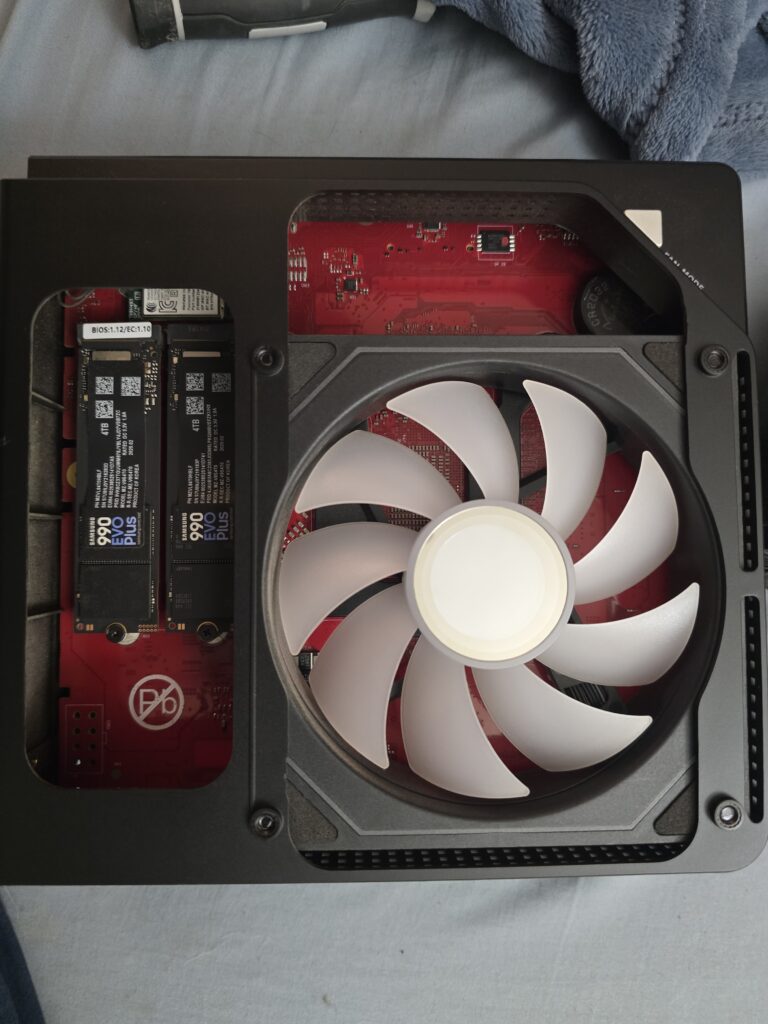
One one side you can see the fan and two 4TB 990 Evo Plus SSDs. On the other is the massive vapor chamber cooler that cools the memory, CPU, and GPU. I hold each fan as I use my duster to clear the dust from them. I also dust out the back of the unit where the heat sink fin stick out. I alternate between the 2 blower units and the fins until there is no longer any dust coming out.
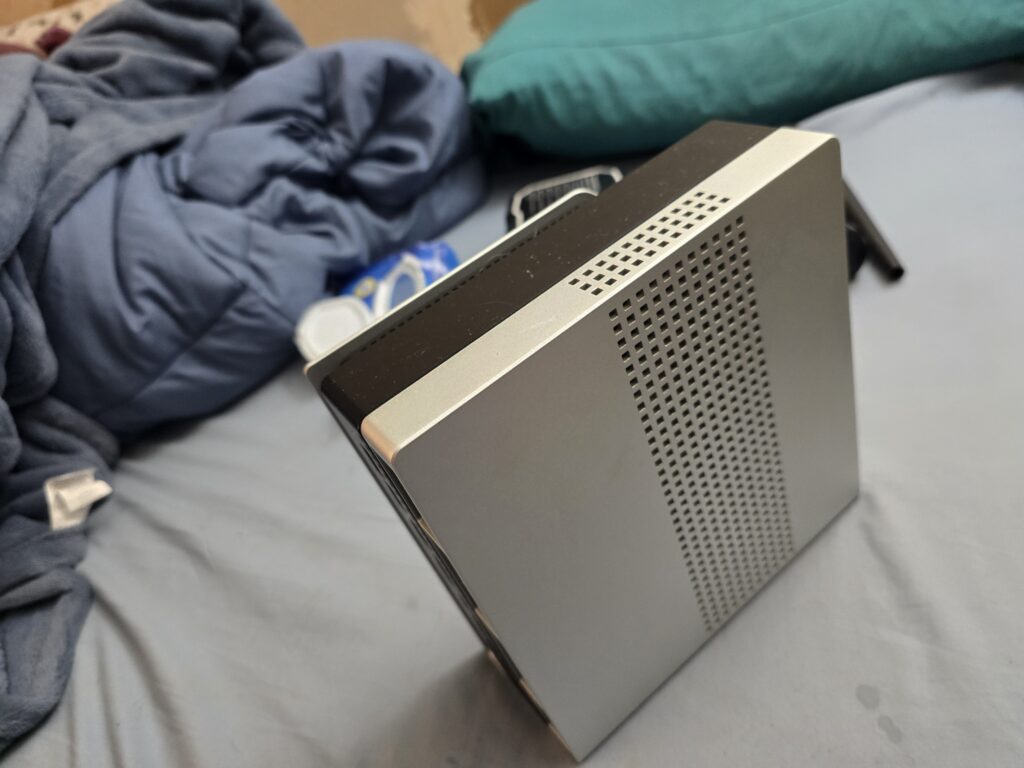
I also blow out the filter on the one side panel as that is where the two blower fans pull cold air into the unit. Always best to make sure this is clear both of dust and any obstructions. You can tell the difference between the images where I have dusted and wiped down the internals versus before.
Reassembly
Re-assembling the Evo-X2 isn’t too difficult. The important thing is making sure the 2 tabs on the one side are properly inserted at an angle so that it sits flush when you tilt it back into place. Once that and the other side are on, its just 6 screws to put back then making sure the holes in the rubber feet are aligned with heads of the screws. Also hope the glue keeps working.
Finishing up
I typically wipe down the exterior once I have everything back together. Then the computer is ready for service again.
Leave a Reply