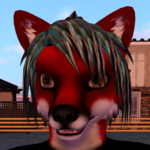
I have several music creativity projects I am working on at the moment. I will list what I am working on and where the progress is on each. Some are still in the planning stage while others are near completion!
I am a classically trained vocalist. My entire high school run had me as a music major since there wasn’t any computer / tech track that would work for me. I did the normal choir classes. Varsity then Concert Choir. I was in the after school music group called the Kenwood Singers. I also performed in 3 musicals and was selected for Baltimore All County Chorus.
I am a baritone with a range that goes from part of second tenor down into part of the bass range. I can do various voices and styles of singing as well. People that have heard me talk in my quiet low voice which is slightly nasal in nature are usually shocked when I sing because it sounds different.
I also write music using computer software. I use software called a tracker. You basically plot notes in one at a time into patterns. The notes reference instruments which then reference various samples. The patterns are organized into a pattern list which makes up the song itself.
I started writing music in high school as part of the Demo Scene. My demo scene handle is Silent Vengeance M.O.C. My primary focus was music and code. I considered myself C tier when compared to other musicians and coders in the demo scene.
List of current projects:
Re-mix / Re-write of my original song Forest Rain’s Lonely Melody.
This is a song I wrote originally back in 1999 with no lyrics.
In 2000 a Demo Scene musician by the handle of “Word Macro” remixed it and gave it some additional flair.
I have taken part of that flair and re-mixed it into a modern song that fits what I envisioned it to be in 2026
The theme of the song and the new lyrics convey the story of a neurodivergent person trying to make friends and lasting connections in a neurotypical world. The person fails and keeps trying.
The interlude lyrics show the mind and feelings of the person while trying to do this and their eventual feelings of futility and despair.
The verses are the narrator telling the story of the person.
The chorus is the person crying out to be seen / heard. Hey there! Can’t you see any part of me on the forest rain’s lonely melody? With the last chorus line being different in that the person claims they can finally be free.
There is an underlying rap track that comes and goes through the various parts of the song. “Sorrow flows, flows through your mind, taking you through the darkness of time”
I have the rap track done and in the song. I still need to record the interlude, chorus, and lyric vocals. This has been difficult as some parts hit my upper range and I have chronic sinusitis from reflux attacks.
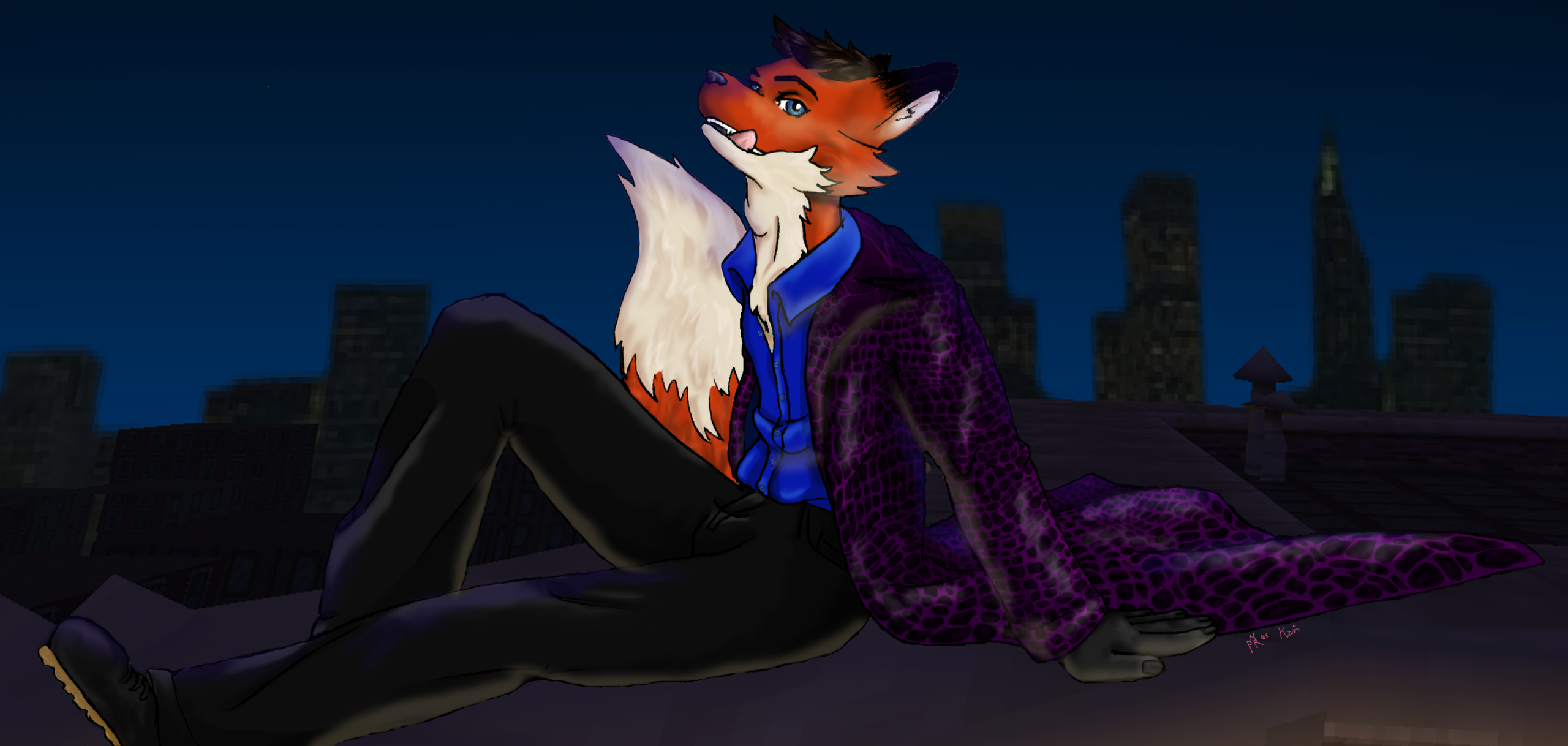
For the music video, I would be in my partial wearing the trench outfit and playing a grand piano while singing the song in a forest setting. Rain would be a nice touch but might need special effects.
Cover / Karaoke of “Hello” by Adele.
I continue to practice this song. I can maintain pitch at about 90% accuracy. Lyrics are at 90% accuracy as well.
The song is mostly in my range but some parts require falsetto to reach. I am working on restoring my upper range,
I intend to sing this at Fur the ‘More in April for karaoke if I have it at 95% accuracy or higher.
The music video idea is to have me playing keyboard in the trench outfit Kavin while singing. The song is simple enough even for my broken hands to play. The question is whether or not I can train myself to sing while doing playing.
Cover of “Kiss from a Rose on the Gray” by Seal
I have the lyrics down to this at 100% including the various parts.
Range has been a problem with parts of this song. Especially the part “My Power, My pleasure, My Pain!”
I can match the vocal style for this one as well. Helps that I was singing it back when I lived at home at age 24 so 25 years of practice.
The music video for this would be Kavin in the trench outfit. The setting would be on a beach with a lighthouse in view on the night of a full moon. It would include shots of Kavin playing the keyboard and / or singing with the wind blowing his trench coat. Not sure if I want to add a fedora style hat or not.
I would consider singing this at karaoke if I am able to restore my vocal range completely. Otherwise, the song needs to be dropped by a full step.
Cover of “Carnival of Rust” by Poets of the Fall.
I have the pitch for most of this song. About 85%. There are parts where I will need my vocal range at peak.
I still need to work on the lyrics for this song. I have them at 75% now. More practice is required.
I need to work on the vocal style so that I can match the emotion I want to convey for the song in my voice. That pleading and longing voice.
The music video for this would be Kavin in his trench outfit. The setting would be a mountain forest clearing with a night sky full of stars. Images of the the longed for person would translucently appear in the sky.
I would sing this as a karaoke as well as long as my range is up to the task.
Write a new theme song for Kavin in his Kilt only outfit.
This theme song should be in the Celtic + EDM style. It will be 3-4 minutes long.
I have a template for Schism Tracker started. The speed, tempo, pattern length and markings are setup. I still need all new samples and to build new instruments.
Cyclone of the Druids is a good example of the style I am going for, I have a video on my YouTube of me playing Dead as Disco to this song.
This song will not have lyrics.
Write a country style love song about a honeymoon at the furry convention.
My wife and I had our honeymoon at Furry Weekend Atlanta. I would like to write a country style song that captures how I felt back then.
Lyrics like “We slow danced in the hall as the con suite lights went dim…” are an example of what I envision.
I will need the appropriate samples and to build a template for Schism Tracker for this one.
I need to learn to write in the country music style
I need to perfect my country vocal style. I have it about 80% right now.
I need to maximize my vocal range again.
I need to write lyrics and record the vocal tracks.
The music video would have Kavin in a country singer outfit. Jeans, button shirt, cowboy hat and boots. The setting would be country music style band but at a furry convention.
This is a long term project that will require the longest to complete.
That is the full list of current music projects and their current status. No AI will be used in any of these. Just 100% pure blue folf!
I have gone through a lot this year and it has changed my personality. I will detail what has happened over this year and how it is changing me back to the person I was before the trauma of life turned me into a stoic that suppresses all emotion.
Starting this year my health began to decline. I started experiencing tachycardia, dizziness, brain fog, and near blackouts when standing up. This can occur due to lack of sleep, high internal body temperature, anxiety, or exerting myself for 45 mins or more. The symptoms are more likely to be present from 1PM until 9PM daily.
This has reduced my ability to complete work, repair the house, clean, etc down to about 15% of my normal capacity. My house is is desperate need of repairs to the flooring and walls. I have had the flooring for the kitchen and dining room for a year. It still sits in boxes because after 45 minutes I am down for 4 hours or more.
Since being told from age 10-26 that I “Would never amount to anything” by my mother, My self worth has always been in what I can do. Having that large of a reduction in capacity was devastating. It caused consecutive days of the dangerous depression that at times necessitated taking a high dose of THC to stop after 8-9 hours.
While I was dealing with this and going to doctors to try and find the root cause and some sort of relief my reflux issues came to a head again. I was having trouble swallowing and scheduled an endoscopy. I have Barrett’s Esophagus and have had to have my esophagus fixed before.
The difference this time is that 3 days before the endoscopy, I stopped being able to process food and medication. I started thinking I had the same cancer that killed my father. With no medication and confronting the fact I might die.
That caused me to completely break down. I cried for 3 days straight and spent the time doing my own life review. I realized that I did have people that showed they valued me as a person. Not for what I could provide for them in some way. I also realized how I had let let these people down by letting our friendships fade for over a decade.
I had already started trying to be more social in April when the tachycardia started. I joined the Furries of Maryland in April. I also started reaching out to the the three people who had made me feel valued before I stopped being social in hopes of repairing and rebuilding the friendships I had with them.
I also went on a furry camping trip a week ago that further helped me relax and let go of a lot of the anxiety. I was able to recharge mentally and emotionally. I started feeling like life was something that could be enjoyed.
As of this week, I have been more open, communicative, happy, silly, and creative. I can say that I feel like I love myself for the first time in 39 years. The last time I remember feeling close to this was when I was 6. Before the bullying in school, childhood abuse, and being used more times than I care to count as an adult shaped me into the quiet, shy, stoic, that would occasionally explode when he would try to suppress more than he could.
The only thing I think that is missing to fully be my original self is to quit smoking. I need to do this to help reduce the reflux and vascular issues that are causing the tachycardia, dizziness, brain fog, and near blackouts. It also costs nearly $1k / month!
I started smoking at 18 as a slow way to kill myself. The depression started at age 17. I found that nicotine helped with anxiety, depression, and focus for ADHD. In trying to “appease” my depression thoughts, I discovered a crutch to help me cope with it.
I’ve found over the years that anti-anxiety medication and antidepressants either make me climb the walls or they make me completely apathetic. Apathetic to the point that I won’t care if a server is on fire at work, that the trash is overflowing onto the floor, that I should probably eat…so far the only things that help are nicotine and THC.
I started Medical THC during Covid when the stress, anxiety, and depression driven by month after month of 90+ hour weeks drove me to actually self harm. I started cutting which I had never done. That told me I was at the end of what my coping strategies could handle.
When I would try to quit in the past, the anxiety and depression would go through the roof and the focus was nearly non-existent. This would lead to several days of anxiety leading to depression along with being unable to focus well. No work would get done and I would eventually explode trying to suppress all of the emotions from the anxiety and depression. This would hurt the other people around me.
I really don’t like hurting other people. This is why I always try to be kind and accommodating when possible. It is one of the reasons I am shy and quiet when meeting new people. Same reason I won’t go nude around people unless I know they are okay with seeing me naked or I am in a place where public nudity is allowed like a resort.
When my maternal grandmother died of lung cancer, my mother quit smoking cold turkey. I was 10. All of her anxiety and rage was directed at me for the most part. She would get angry and throw things made of glass or ceramic. She would say quotes like the one above….she would push me into walls.
I know what her trauma was that caused her to be that way. Her father died at 46 from a blood clot in the leg traveling up and causing a heart attack or stroke. Her mother turned to alcohol. Her brother joined the Navy. She was 10 when her life went to hell.
She has since gotten help and healed from her trauma. I am thankful for that. I also don’t hold what she did against her. Knowing the circumstances that caused a person to behave in such a way, putting yourself in their shoes, helps you realize that you might end up that same way if you were in their place. It also helps you see how much they improved on what they were given.
Bottom line is that I don’t want to become like that to the people around me. I don’t like hurting other people. I prefer to bring joy, love and laughter to others whenever possible. I don’t even like breaking bad news to people for work related stuff.
I am contemplating trying again to quit smoking this weekend. My anxiety is very low right now. Depression has been brief and light more like sadness than actual depression. The dark thoughts are easier to push aside. I may only need to deal with the lack of focus. Since I am on Allegra-D right now for a sinus infection, the ADHD spike may not be that bad.
I guess the main difference between myself and my mother is that I am older and have processed a good deal of my trauma. I am at a point where I feel love for myself and everyone around me. We even had a family cuddle pile this week! I think it might be time to give it another try. I cant remember being this happy for this long.
If it all works out, I will be a bit sillier, more energetic, more outgoing, and maybe more fun to be around? Some people love my silliness, some roll their eyes, and others run for the hills. I think it will be an overall win if it works out.
Many people may notice that most of my profiles have Naturist listed as one of my lifestyles. I figured it was time for a blog describing what it is, how I got into it, the benefits for myself, and how I generally practice it.
Naturist vs Nudist. What’s the Difference?
A nudist is someone who will go nude in non-sexual situations around others occasionally. Someone that goes skinny dipping with friends. Someone who wrestles nude like the ancients did. A Nudist would normally wear clothing but occasionally likes to do activities nude.
A naturist is someone who views clothing as a tool rather than a necessity. A naturist will wear clothing only when the climate, task they are performing, or laws require the clothing and only as much as is necessary. Using clothing for warmth and protection as needed. Most of the time they will be nude whenever possible.
I myself fall into the naturist category. I prefer to wear as little clothing as possible at any time. Due to my wife’s condition requiring the house to be a cool 65F, I am clothed most of the time in reality.
How did you discover the lifestyle?
It started off when I was around 18 years old. I discovered that I was more comfortable sleeping nude. That progressed to just being in my room nude as often as possible.
I realized how much I enjoyed being nude and how relaxing it was. I started taking better care of my body. Taking daily showers. maintaining better hygiene overall, etc. This improved my health and general well being.
When I was 24 I went to Gunnison Beach in Sandy Hook NJ solo. It was my first experience being nude around strangers in public. I enjoyed it over all but I did nearly get sun poisoning because I went solo and no one was around to make sure my back had sunscreen.
I spent 3 of the 4 hours at the beach on my stomach. I still needed to disassociate nudity from sex at that point. The main sticking point for me was the physical reaction of just being nude in general. Erections happen and I was young so they lasted back then. Eventually I was able to finish that disassociation for the last hour and get into the ocean.
The second time I went to Gunnison was with MARNA. MARNA is a local non-landed nudist / naturist club that holds swim meets nearly every month. I didn’t get burned that time. The trip was decent and I had fun but I did realize that sand isn’t my thing. It gets in every crack and crevice and is unpleasant from a sensory perspective for me.
I found Avalon as my next naturist destination. Avalon is a clothing optional resort in the mountains of Morgan County West Virginia. They originally had a Lodge but that burned down over Covid and was replaced by Cabins. The resort has various courts for things like tennis, volleyball, pickle ball etc. It has an aquatics and fitness center that has gym equipment, heated swimming pool, Hot Tub, Open Showers, Sauna, and Massage room. Originally the lodge had a restaurant. This has been replaced by the Bare Barn that is a bar and grille with a large dance floor.
Avalon also has many trails for hiking and nature watching. One of the things I enjoy most about visiting is going hiking on one of the trails. Feeling the warm sun, cool mountain air, and occasional cool rain shower on your skin is pure magic. Clothing blunts the sense of touch we have. Its similar to wearing a blind fold or ear plugs.
I also enjoy the Swimming Pool and Hot Tub. I will typically alternate between them. Swim and exercise in the pool then soak in the hot tub to relax the muscles. Sitting in the hot tub while the doors are open in the winter is another magical experience for me. the warm massage of the water on the parts of you that are submerged contrasted with the cool mountain air on your exposed skin is really nice.
The final thing I like to do at Avalon is stargaze. Laying out nude in the cool air looking up at the night sky is its own treasure. The amount of relaxation I feel doing that is beyond my ability to describe. I tell people that if you get the chance to experience nature while only being yourself, not clothes, no worries, just relaxation, DO IT!.
What are the benefits of Naturism?
The largest benefit I found from naturism is shedding the falsehood that society and the media feed us about the human body. Being presented with impossible body types daily pushes people to hate themselves and spend ridiculous amounts of money on products and services to make them look better.
Once you are around a large group of naked people and being naked yourself, you realize that the media and society are full of shit. People come in all shapes and sizes, have all sorts of markings on their body. The variety nature provides is truly amazing. You realize that you are real human being just like everyone else.
This truly helped me to start loving my body. I realized that I am not some hideous person or less than a man because I am flabby, have a belly instead of a 6 pack, etc. This improved my quality of life immensely and built my self confidence as well.
The second best benefit is that everyone is on the same level. No one knows if you are rich or poor, a doctor or a janitor, etc. Everyone is just a person and they interact as little or as much as they want. There is no judgement based on looks.
Is there anything sexual about naturism?
Naturism is about being in your natural state. Humans come in to this world naked just like other species do. Sex is an intimate act between two or more people. It should remain that way in a naturist setting and be in an area that is set aside for it.
The rules at clothing-optional establishments also forbid any public sexual activity. The common sense rule is : If you wouldn’t do it in a clothed public setting, don’t do it when nude here. No sexual contact or activity in the public areas. Your cabin or tent is the best place for that.
Some places are more relaxed than others so check the rules of the establishment you plan to attend. Sunny Rest Lodge in PA used to have after dark parties where people wore lingerie and danced. Some do not allow public displays of affection. Always read the rules and follow them.
What was your favorite Naturist Moment in 2026?
My favorite moment for 2026 was dancing in the rain at Avalon in April. I was there with my wife and it was raining so I stood outside in nothing but my blue Crocs and bounced in the cool rain. She took a picture of me doing that and It is my favorite this year.
What is a Naturist themed thing you’ve always wanted to do?
I’ve always wanted to do a birthday-suit party. Basically be nude at my own birthday party and celebrate in the same outfit I was born with. Since my birthday is in January, it has been difficult to get to the resort. The few times I have tried, the weather has made the trip impossible.
The ideal version of this party would have my friends attending. The event would be clothing optional and probably held at the aquatics center. Guests would only be required to be nude if they wanted to get in the sauna, pool, or hot-tub. I would be nude the entire time of course.
Sadly, none of my friends are nudists. All of the people I consider close enough to invite to this have seen me nude already. People who have been my friend long enough and I trust enough to ask them when they come over my place if they are OK with it or have lived with me in the past.
I plan to do the party this year at Avalon if the weather cooperates. It’s my 50th birthday and it would be neat to finally get this little dream brought to reality. My current plan as of this blog is to go Solo. I figure I can have fun and party alone if I have to.
I will make a mention of the trip on my socials when the time gets closer and I can be more confident the trip will happen. Anyone inclined to come celebrate with me will simply need to call and reserve their own cabin, get to Avalon, and meet me. If anyone decides to come, I would be elated, I always tell friends not to worry about gifts. Time is the most precious gift one human can give another.
Do you take Naturist pictures?
I take naturist pics and videos of myself. Use of cameras at clothing-optional establishments is very restricted. Consent of everyone in photos taken is paramount. People generally do not want to be photographed / recorded nude. Some places outright ban the use of cameras unless used by staff at the request of a patron. Read the rules before using your camera.
I do not put the pictures I take online for public consumption. There are a myriad of issues that can arise from having your nudes on the internet. I also don’t want to be sexualized or objectified. We are all human beings with value and worth and should be treated / thought of as such.
I will show them to people who specifically as me in person. I have no problem being nude around other people as long as I know they aren’t made uncomfortable by it or are in a clothing-optional setting. Showing someone those pictures who was ok with it is no different then sharing my clothed vacation photos at Ocean City to me.
I also try to record a vlog daily when I shower. Those are for me to sort my thoughts each day before I get started. I can also go back and see how I was feeling and what I was doing on those days. Since the shower is one of the few places where I can be alone, it works best for this.
How would you suggest someone try nudism or naturism?
If possible, find other nudists / naturists and events you could go to. This will help you avoid things like getting sun poisoning and help with the anxiety of being nude around other people.
Clothing Optional beaches are a decent starting area. Most of these beaches are inexpensive and have far more relaxed rules. Sand also might be your thing even if its not mine.
Find a local nudist or naturist club. Non-landed clubs will get you in contact with other people and provide small events that you can do nude with others.
Ask the people closest to you if you can be nude around them. In my experience, close friends will be do this for you. It will probably be awkward for you and them at first. After time though neither of you will notice the nudity of whoever is nude. Everyone involved will just look at each other as a friend they are now a bit more familiar with.
I typically will tell my closest friends that I am a naturist and that I prefer to go nude at my home. I ask them if they would be okay with that if they came over. I haven’t had a single person balk at that. Not sure how much they looked the first time. I don’t pay attention to that and they never mentioned it. I do know that after some time it turns in to “oh that’s Kavin my friend. Cool” which is how it should be.
What is one Naturist event you would love to do but can’t?
Not necessarily a Naturist event but, the World Naked Bike Ride in Philadelphia would be so cool to do. My health and fitness level wont let me do that yet. I do hope to do it someday. Preferably with body paint that makes me look like my Fursona!
Final Thoughts:
Naturism is a lifestyle that has brought me peace, relaxation, and a healthier view of my body. It is an amazing experience to remove the blind-fold from your skin and experience the world around you. It relieves anxiety by removing puritanical and social lies that are promoted through everyday media exposure.
I went camping with some local furs Oct 1 – Oct 4. This write up will document the experience I had on the trip. Overall, it was the best camping trip I have done this year. I got to be silly, meet other people, and relax without having to be responsible for anyone else.
Day 1: Thursday October 1st
I left my wife’s Dr. appt in Lutherville and went to pick up another fur I was taking to the campsite. We stopped at Walgreens because he needed to pickup some Items, I needed to pickup some items, and the camp organizers needed some copies of a document campers needed to sign and turn in to camp.
We picked all of the stuff up and headed out to Gambrill State Park in Fredrick. Spent the trip there talking with my rider. He had some interesting stories and I shared a few of mine. Always good to have an extrovert to bring out the personality of an introvert like myself.
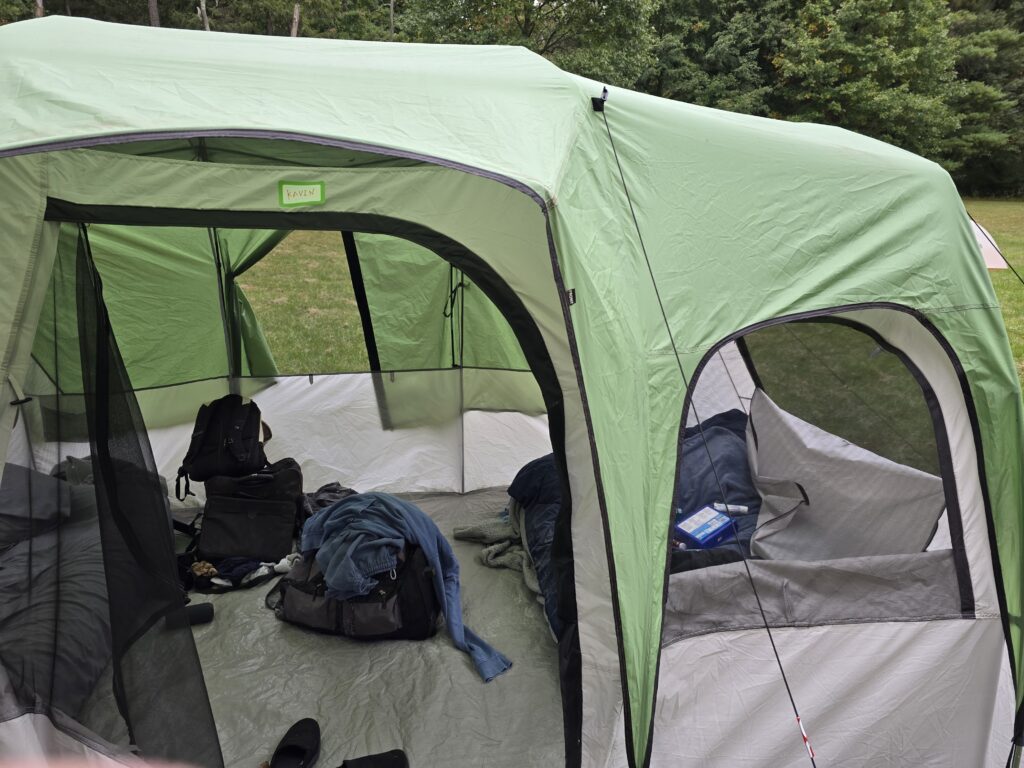
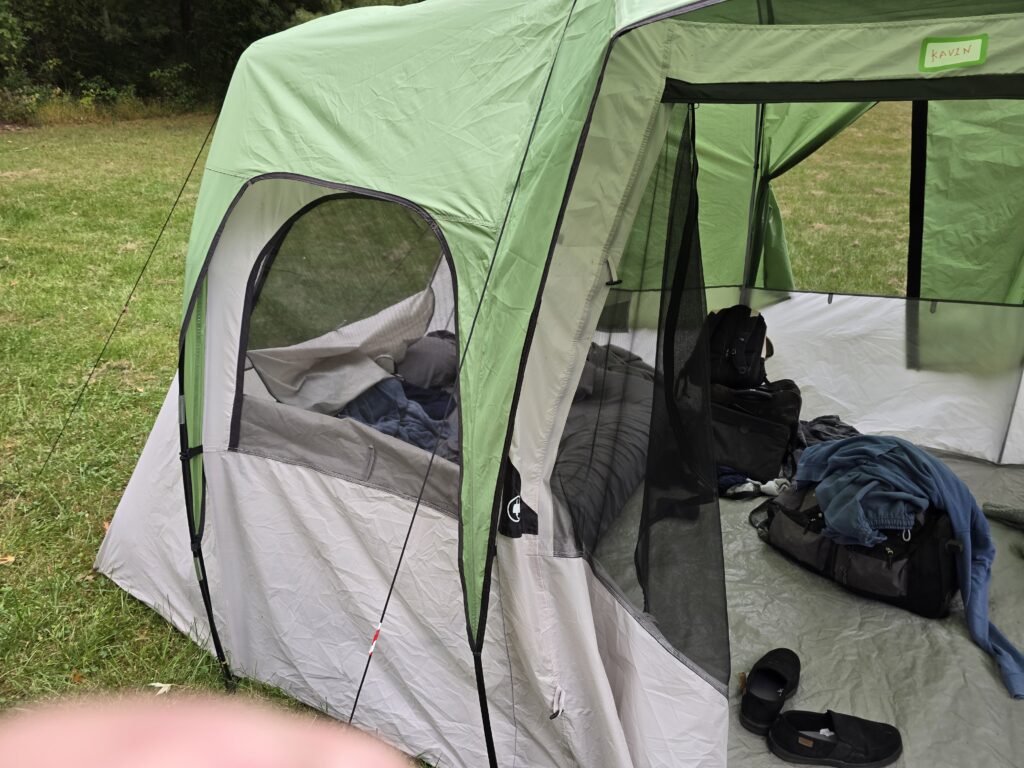
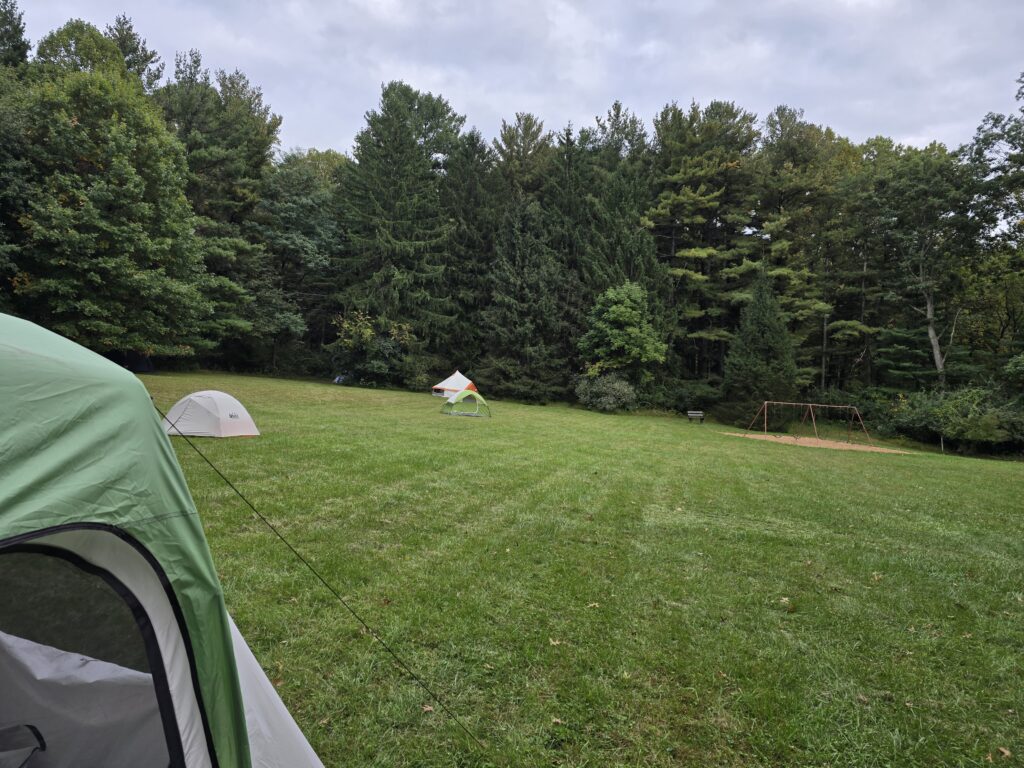
We arrived at camp and I spent 2 hours setting up the tent, air mattress, and getting everything into the tent. The temps were in the mid 80s. I was afraid that my POTS symptoms would hit but it was only mild tachycardia and dizziness. I was wiped out after setting up though.
Pictures of my Tent
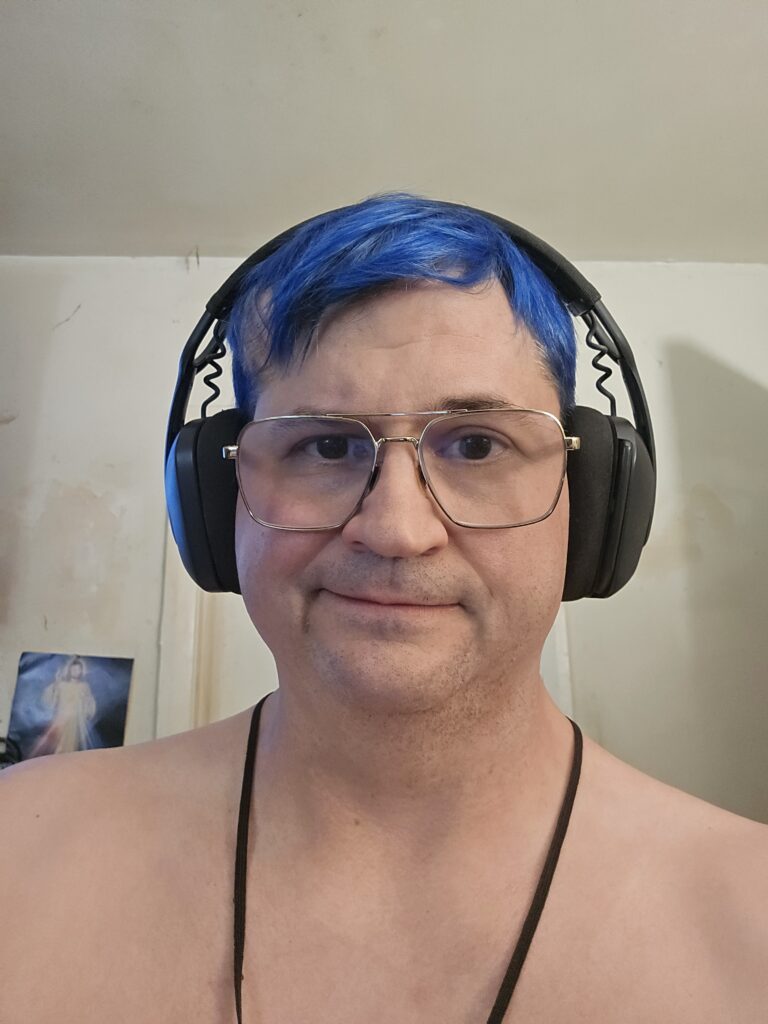
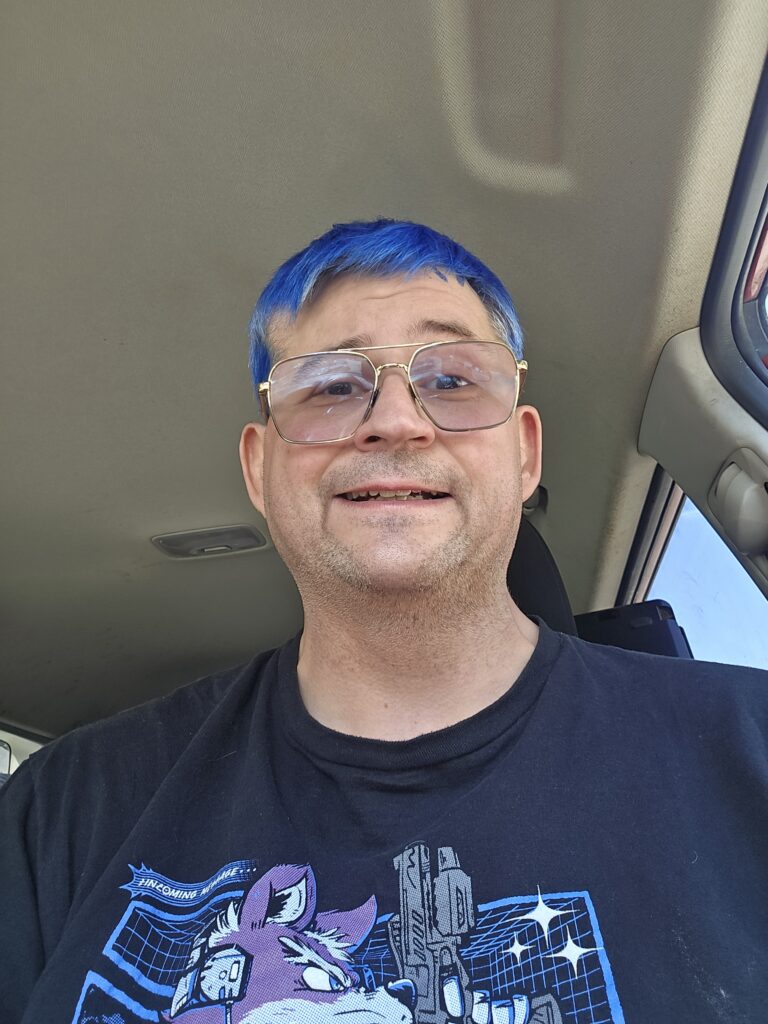
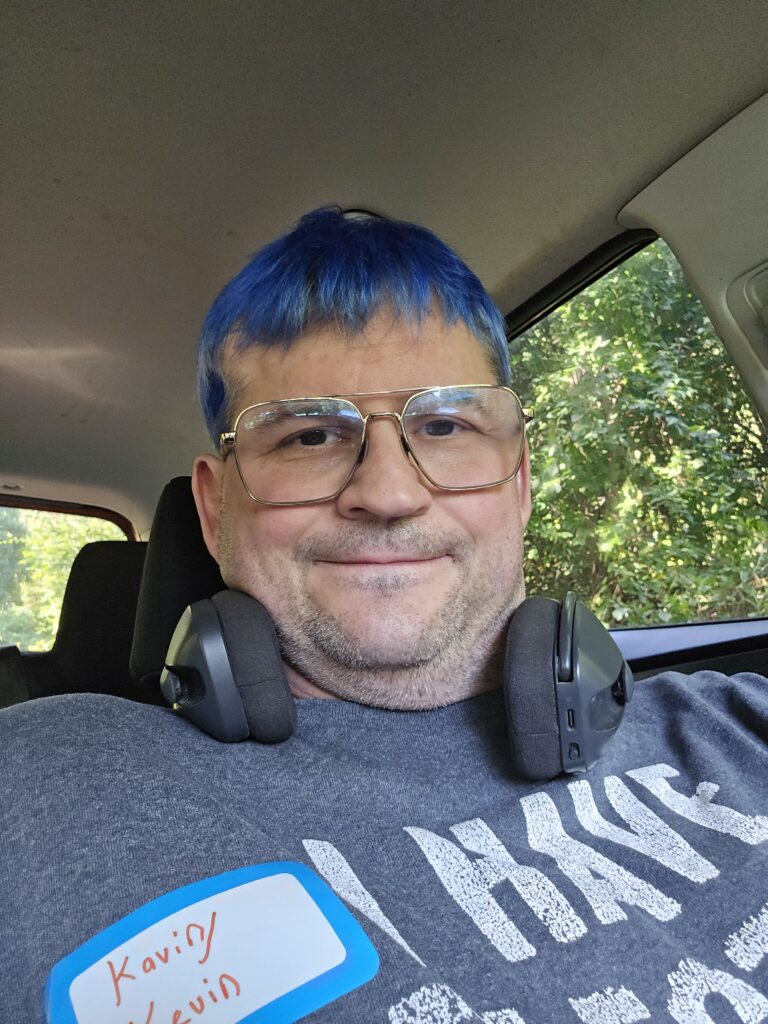
Pic of me on Day 1
Once I set up everything I went and took a shower at the bathhouse and came back to chill at the campsite. I ate a Lunchable and relaxed at the main site canopy.
One of the camp organizers let me try a piece of her home made pumpkin pie. This pie was made from scratch and blew away any pumpkin pie I have ever tasted. I mean dug out real pumkins and made the crust by hand home made. Absolute fire. I must learn how to do this myself.
I did my best to engage the Thursday campers on Thursday night. I am naturally shy and introverted in person thanks to social anxiety. I tend to hang back and listen to everyone and get to know them through Observation. I will talk if spoken or asked a question but I usually don’t initiate.
I tend to speak softly most of the time. Unless I am doing a bit, yelling to get someone’s attention in a serious situation, singing , in a loud environment, or extremely frustrated.
I also do not talk over other people. If someone starts talking while I’m talking I will just stop talking and wait. If there is a need to interrupt I can but it takes a huge amount of mental effort to do so. Two people talking at the same time means no one is listening in my mind.
I went to sleep around 10pm after a bit of socializing. First day I broke over 9000 step in a single day.
Day 2: Friday, October 2nd
Friday was a day of health related issues. Wake up with low blood glucose of 49 at 4:45AM and then at 12PM the “POTS” symptoms started as the temps went up into the mid 80’s again. I had tacychardia up to 130bpm while sitting, strong dizziness, and at one point it was so bad that I stood up and had to roll fall back down due to dizziness and dimming vision.
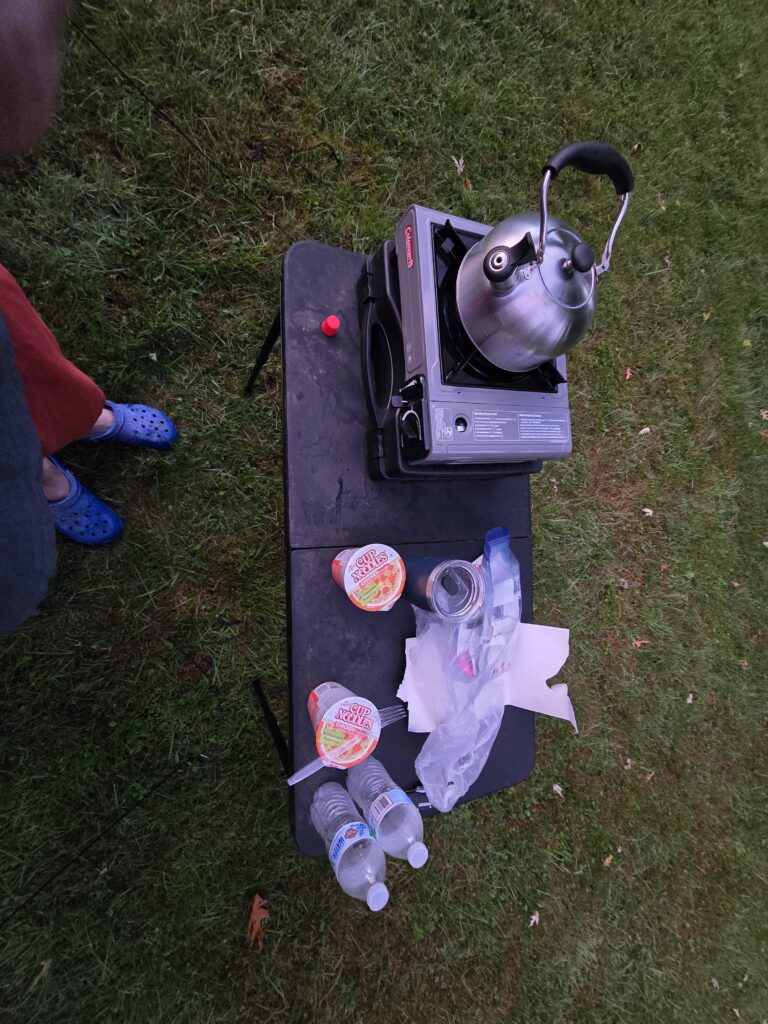
The low blood glucose was easy to battle. One Coke , two cups of ramen, and a cup of hot chocolate bumped my blood glucose up into the low 100’s and keep it there until breakfast.
I showered before making the breakfast shown below. I decided to put on some Gold Bond powder that I had bought at Walgreens. This is the one in the Blue bottle instead of green or yellow. I’ve used both before without issue.
The stuff in the blue bottle is different somehow. Only 1% menthol content but damn was it strong. I definitely questioned my choice for about 30-45 minutes with my more sensitive parts switching between fire and ice.
First Breakfast of Champions
I left after breakfast to go get some items for the camp and to get ice for my cooler. My first stop was to McDonald’s for my second breakfast for a #2 meal with a Coke.
After eating second breakfast, I went out to Home Depot to get some reflective tape and some reflectors on poles. The reflectors were to mark a mini trench in the ground so people making a beeline across the grass to go to the bath house didn’t trip and fall. The reflective tape was used on guy wires to prevent tripping.
After Home Depot I decided to flex on every Hobbit ever by having Third breakfast by buying a sizzli at WaWa along with 4 x Rainbow Candy Flavored 5 Hour energy shots and cigarettes. I did forget to buy ice here which lead to my final morning stop.
After Third Breakfast, I stopped at 7-11 to buy a 20 lb bag of ice. I put half of it in my cooler since that’s all that would fit. I drove back to camp and delivered the Items from Home Depot and contributed the remaining Ice to the camp drink cooler.
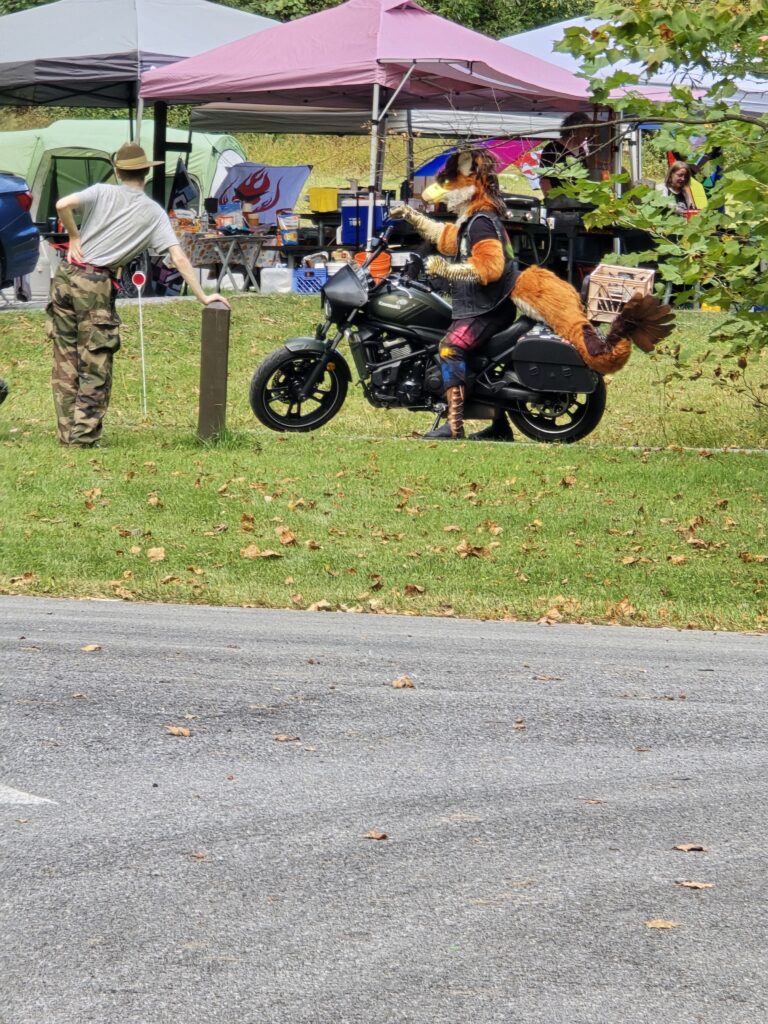
Riding to Home Depot and Multiple Breakfasts
Around noon, my heart rate spiked to 130bpm while sitting in a chair chilling around the others. I sat for awhile but the rate stayed high. I had to jump up to avoid a stinging insect and got extremely dizzy.
I decided to get a cold shower. Those can reduce my internal temperature and stop the attack or reduce its duration. While the cold shower initially worked, by the time I got back to camp the benefits had worn off since the bath house was 0.13 miles from the campsite.
I laid down in the tent and tried to cool off. In the laying position, the heart doesn’t have to work as hard to get blood to various places. Over the next 45 minutes I could feel heat rising to my skin then eventually cooling off. Heart rate dropped to 105 bpm.
After that I got back up and within 30 minutes the symptoms were back. I went and took a second cold shower which worked as well as the first one. I closed the tent windows up as it was cooler and laid in the tent naked to dissipate heat faster. This got my heart rate down to 95
After that, I took 200-250mg of THC via RSO oil because it had been 8 hours of 120-130 heart rate. That much THC will drop my heart rate whether or not it’s caused by Anxiety or Overheating. 15-20mg will work for anxiety but if its temp related it takes an order of magnitude more. Sadly that much is basically a trip to Alpha Centari.
At one point during this 9 hour ordeal, I tried to stand up from sitting on one of the air mattresses in my tent and Immediately got dizzy and nearly blacked out falling back down to the tent floor. Fortunately, I know how to fall safely in most situations so I was unhurt just annoyed. I guess teaching myself that skill to prank people back in my late teens / early 20’s is useful now!
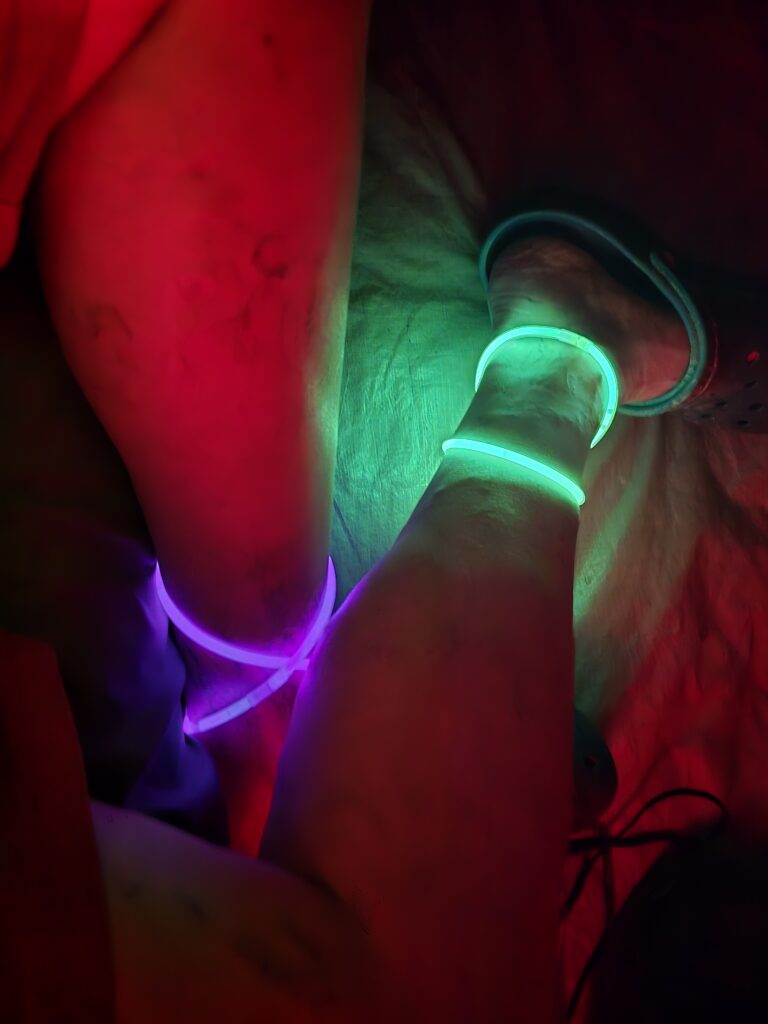
I did manage to put on some glow necklaces and walk around being a silly glowing folf. (Fox-Wolf hybrid) Hopefully it brought some joy to everyone. I did bring 100 glow necklaces and left a box out at the main site. I don’t think anyone used any or even noticed them. I probably should have mentioned it in a louder voice when more people were present.
I was wearing 7 glow necklaces the first night. Even put a post on blue sky asking how many and giving the hint that not all of them are easily seen.
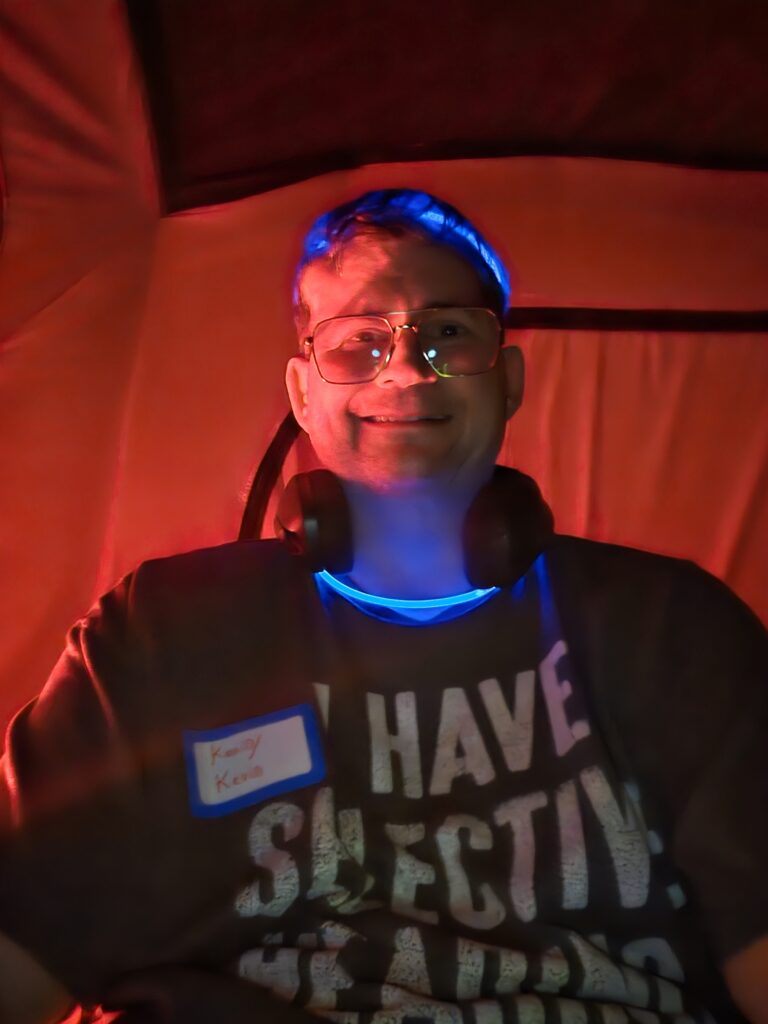
Glow Sticks Challenge Part 1
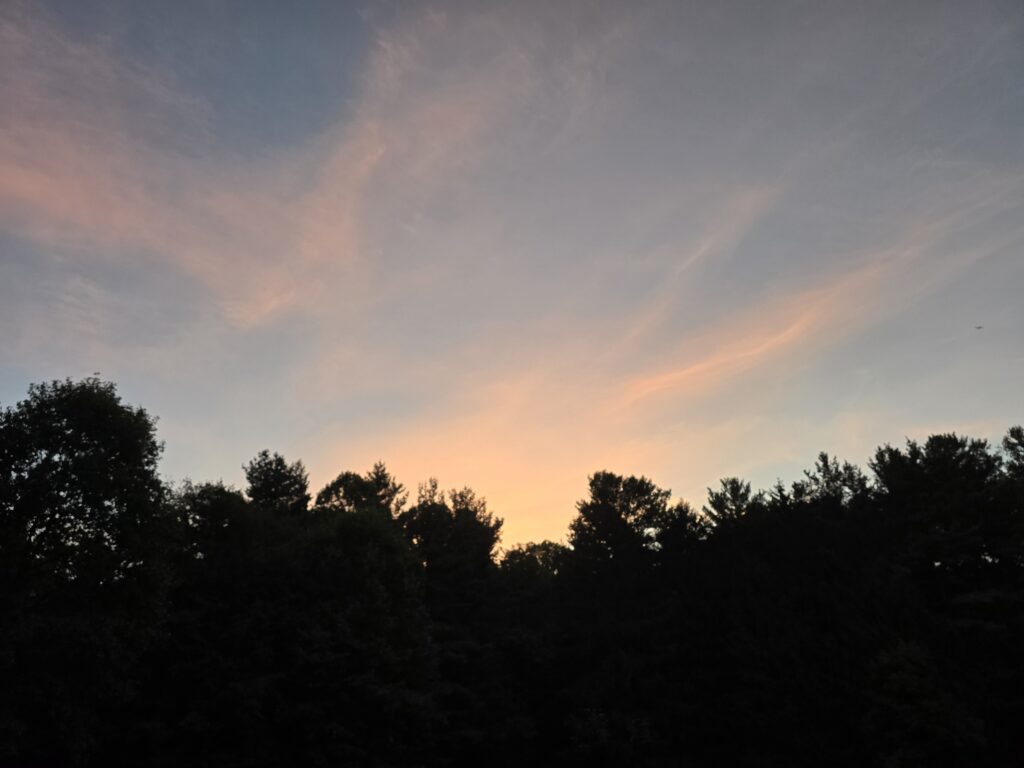
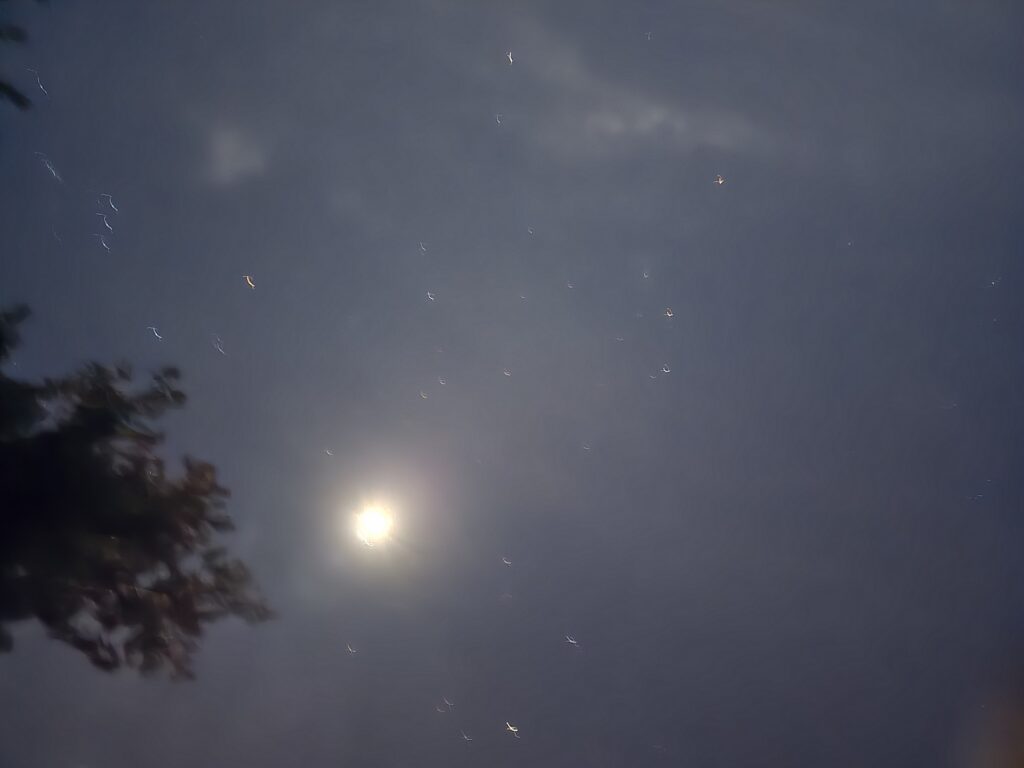
Around 10PM the THC was kicking in hard. I had taken a pic of the sunset earlier. I took another pic of the night sky and went to bed to end Day 2. I enjoyed listening to the other furs banter and talk while I drifted off to sleep.
Day 3 : Saturday, October 3rd
Saturday was the best day of the trip for me. I woke up to another low blood glucose alarm at 1AM. This time it was 59 but I was shaking and barely able to stumble to my car to chug the last Coke. I then had to make ramen in the dead of night. I don’t think I woke anyone up.
I went back to sleep for a few hours then got up and made breakfast of more ramen. I had some camp bacon which was good. Spent most of the day chilling with some minor POTS symptoms happening.
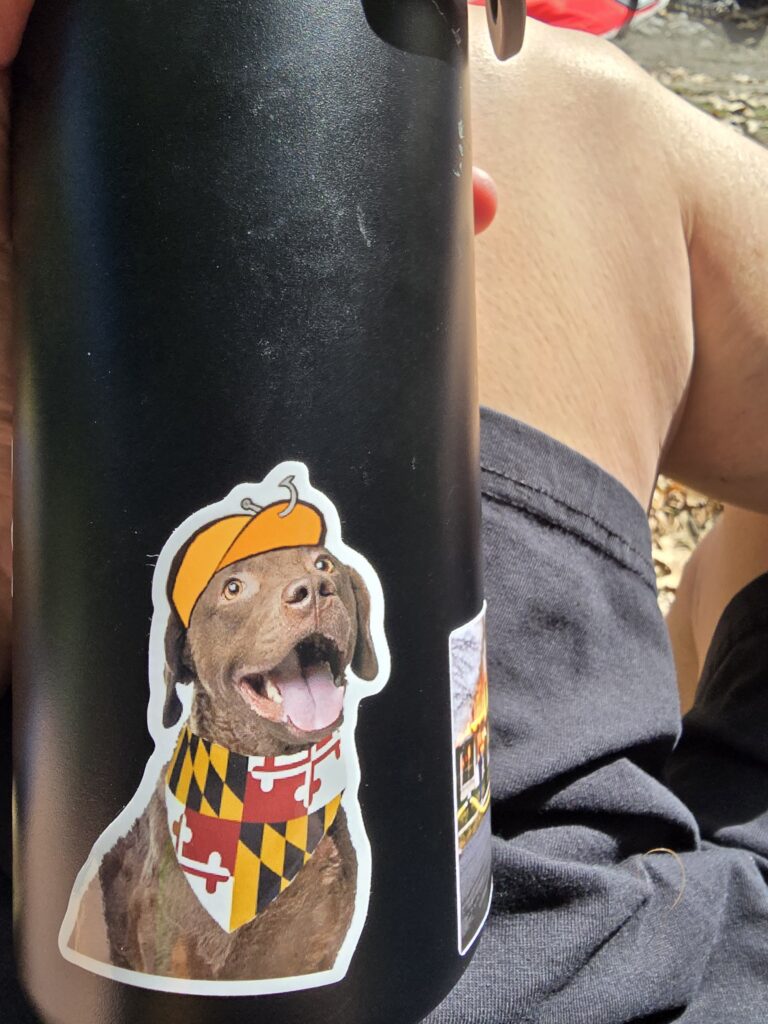
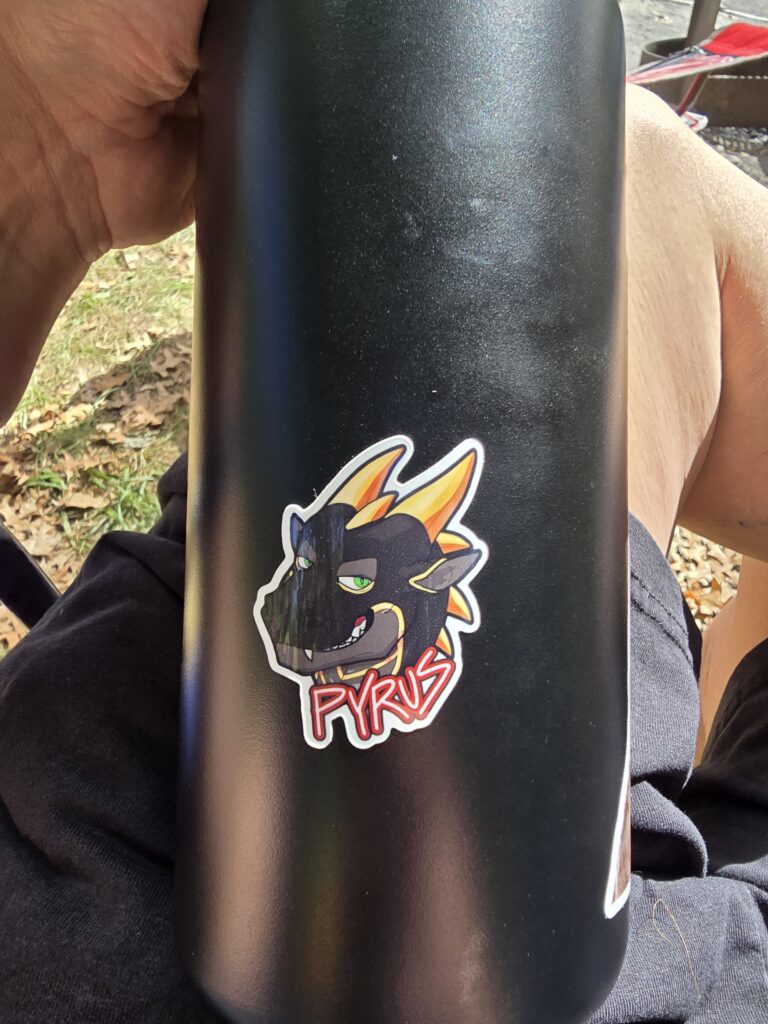
I spent a bit of time with hanging around the main site and fire. Sitting in my camping chair and occasionally engaging people. I got stickers from some people and put them on my water bottle. I then decided it would be fun to play on the swing set.
First attempt I went over to make sure I could still do it. I could though my height makes it a challenge with my legs. My arms are also out of shape so I could feel them burning while swinging. I was able to do it and dismount the swing pretty easily.
I asked another fur if he would record me on the swing. He agreed and we took about a minute of video. I started of being silly and swinging. When I went to stop and dismount, the swing slipped out from behind me and dumped me unceremoniously on to the ground. This was super fun!
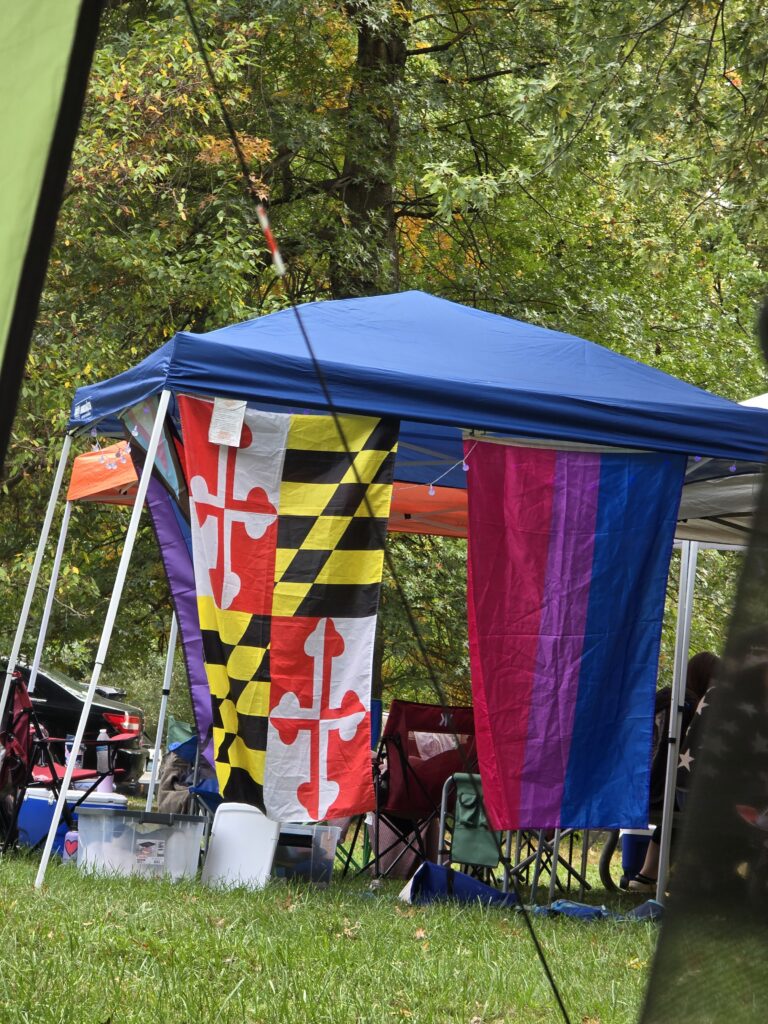
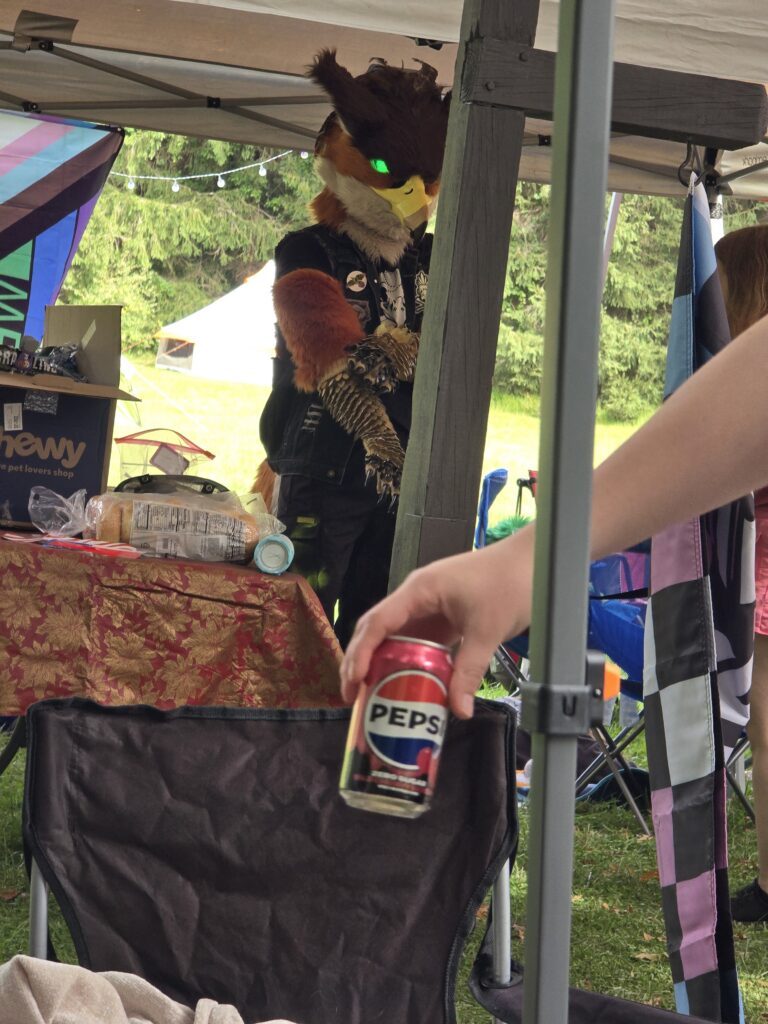
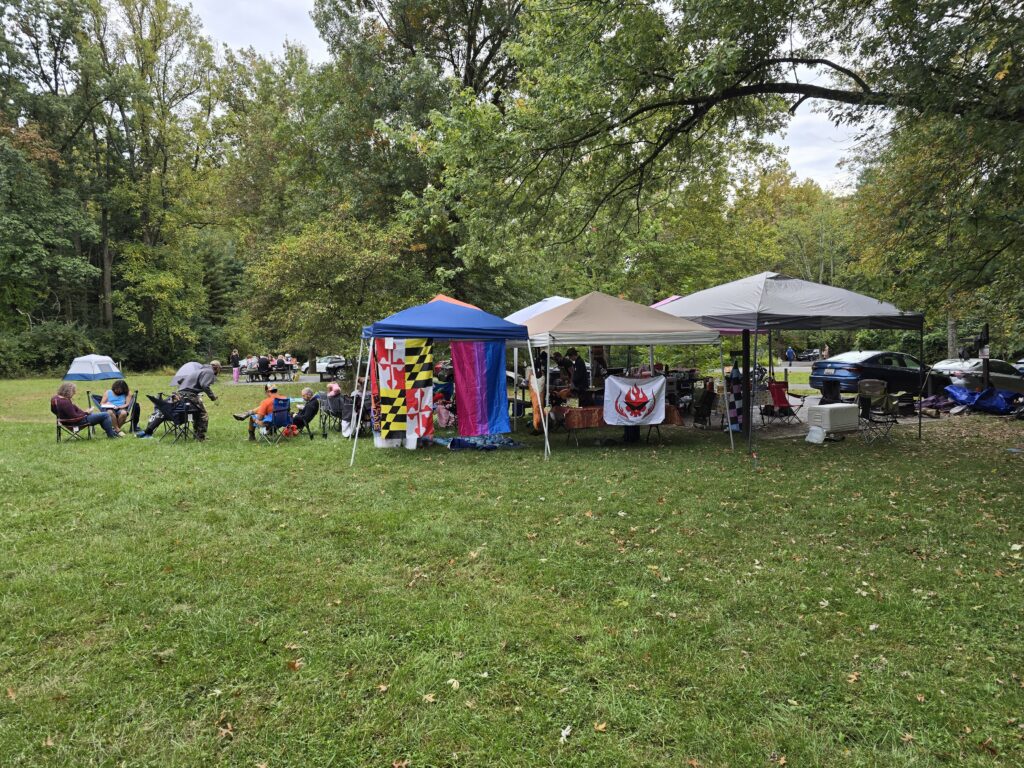
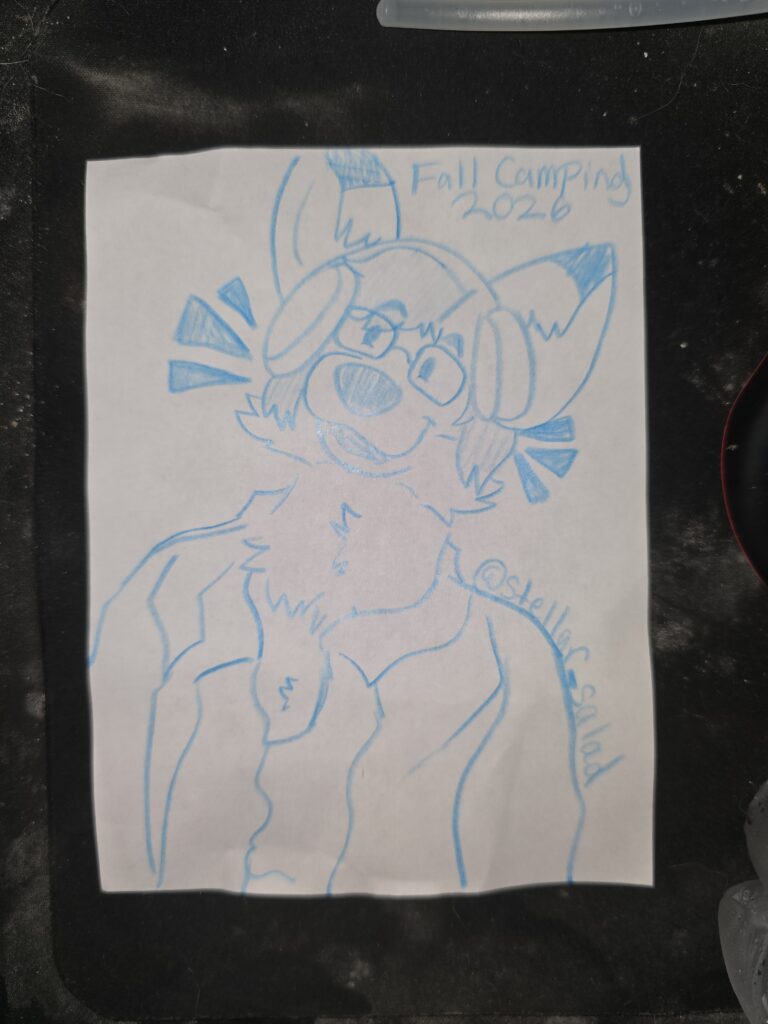
Pics of the main camp area. Stickers and a neat piece of art of my fursona!
I spent some time afterward doing vocal training. I am trying to get my upper range for both my normal and falsetto voice back to where they used to be. I have a few goofy songs with vocals that go slightly above that range that I was singing in my car.
I was able to do another test run of singing “Hello” by Adele. I hope to eventually cover this song and possibly sing it at Karaoke when I go to Fur the ‘more in April. I have improved but need some additional work on remembering the lyrics and maintaining pitch in places.
I don’t usually post videos of me practicing a song but I will this time. This was particularly challenging as I have another sinus infection thanks to a reflux attack a day before camp. That’s why the glasses come off and my facial expressions may seem odd.
I also recorded a short of a bit I used to do at drive-thru restaurants. The premise is simple. Start every sentence with “BY THE GODS!!!,” and end it with “In accordance with the prophecy” I would alternate between this and my Captain Picard voice back in the day when hitting McDonald’s or Burger King.
I ate more ramen after this for dinner. There was a taco bar but because my GERD is so reactive to certain foods, I skipped that meal. I had some hot dogs the previous day that were good though.
After dinner walked around and a new song popped up on YouTube Music. It’s Classical + EDM, intense, fast, and really good. I added it to my list!.
I sat and listened to it on repeat for about 30 minutes sitting around the fire. Repeated listening is how I dissect each instrument and all of the patterns of a song. I can both feel music and visualize it to a point in my head for some reason. I can usually pick out each instrument and what its playing during various parts of a song. It does take 100’s of listens to fully understand and map every detail. If you saw me sitting there moving in time with my eyes closed, I was listening to this and beginning to memorize it.
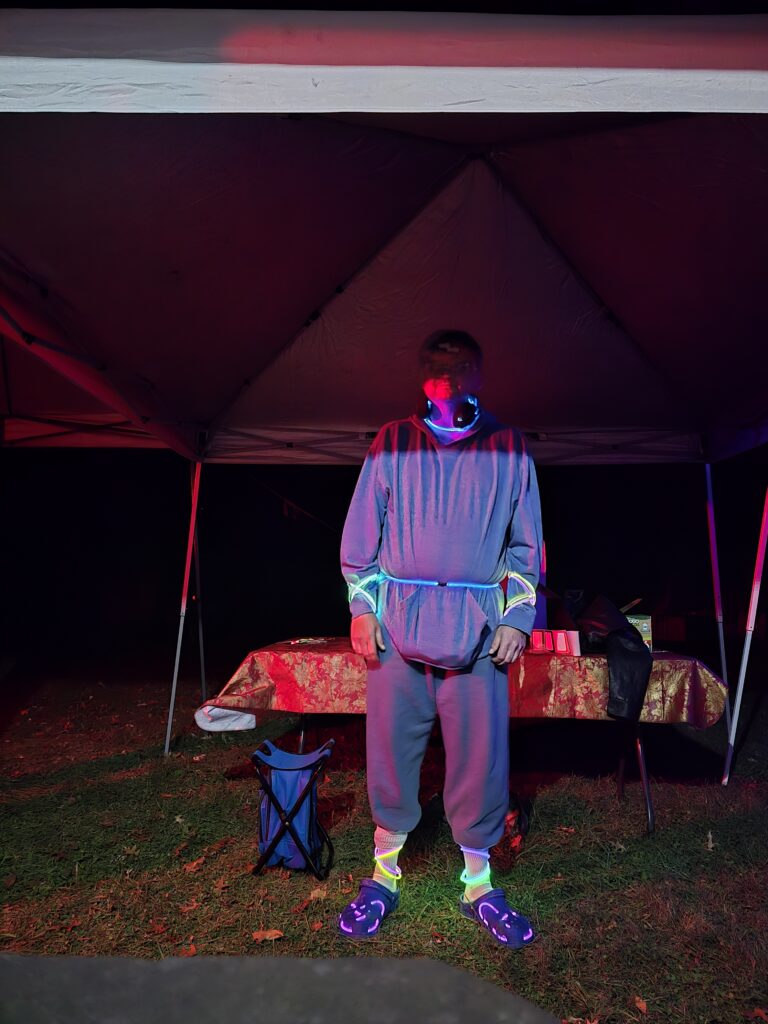
I decided to double up the glow sticks on night 3. I was wearing a total of 14 glow sticks. All my extremities, my neck, and waist had one or more glow stick necklaces. The one around my waist had to be fastened with electrical tape and took 2 glow sticks to make a belt. I did put another post on bluesky asking how many. I also did a follow up listing how many and leaving a fill in the blanks for the locations. There will always be one or more you can’t easily see.
One person complimented me on the idea of weaving glow sticks through the holes of my Crocs. I was trying to get certain colors and ended up with 2 extra purple ones. Since I didn’t really have a good place for them being that everywhere else was covered, I wove them through the holes in my Crocs.
Before I went to bed I took additional THC to keep the POTS down. Same high dose as I was already in considerable pain from all the walking I did. THC killed both POTS and Pain.
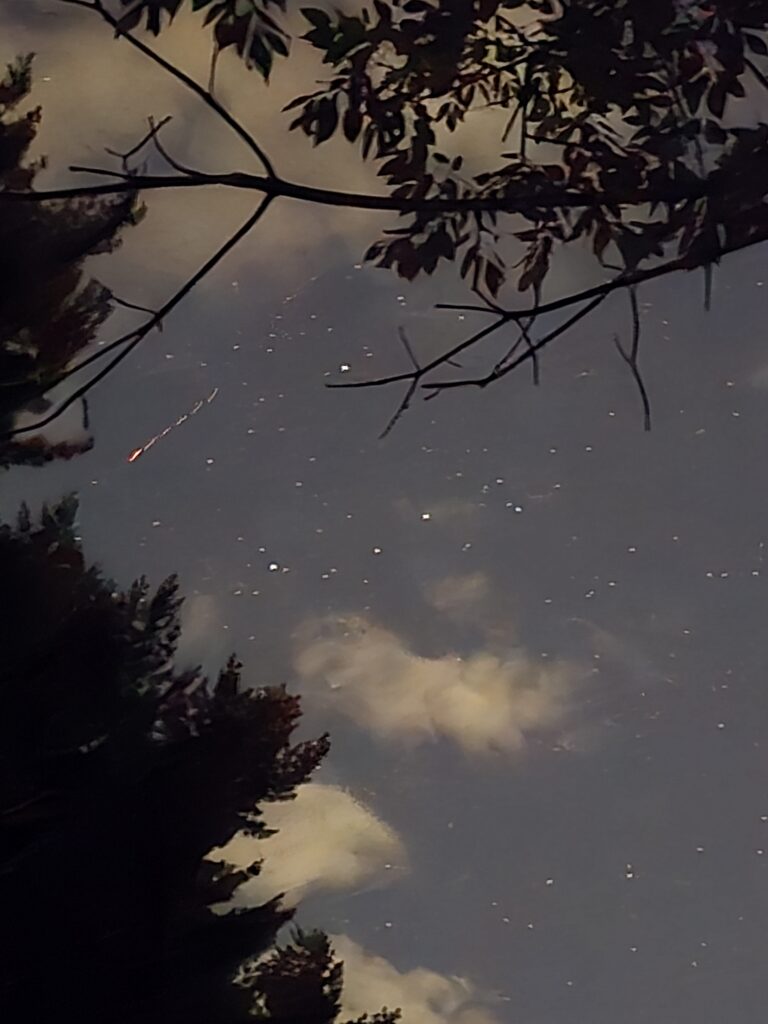
I went to my car and laid on the hood staring at the stars in the night sky and listening to / softly singing “Ashokan Farewell”. I managed to take a really neat picture of the night sky accidentally. I intended to take the picture but when I hit the button my phone takes several seconds in low light mode to snap the picture. I managed to get what looks like a shooting star or meteorite in the shot.
Ashokan Farewell that I was singing / listening to,
I went to bed around 11. Singing this song softly and knowing I would miss camping and the people I had met. The lyrics are fitting as is the song which is in a Scottish Lament style.
Day 4: Sunday, October 4th
I woke early due to not being able to sleep well. I made my ramen to keep the blood glucose happy. I went and took my shower. I put on my grey sweats outfit with the TMNT hoodie. I spent about an hour packing my stuff in the car. The person that rode with me to camp told me his parents were picking him up. He helped me pack the last bit of gear. I left around 10:30 AM as I needed to be back by 1pm. The chaos of family and work life was calling.
I grabbed McDonald’s on the way out of Fredrick and started my way home. It took about 2 hours with the extra stop I had to do close to home. Once I got home, I unpacked everything except the tent and camp stove. I still need to let the tent dry as its in my car wet.
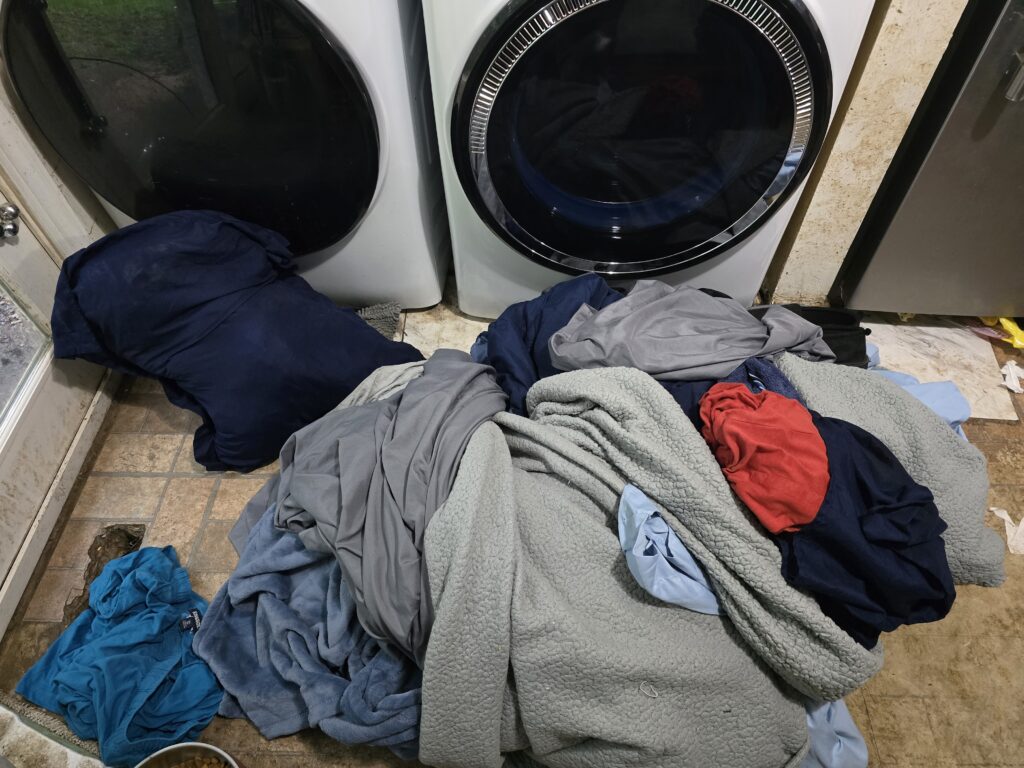
I brought all of the other stuff in and put the massive amount of laundry in the kitchen near the Washer and Dryer. I started the first comforter and emptied all the trash cans in the house since trash pickup is Monday.
Final Thoughts
This was hands down the best trip I’ve taken in a very long time. I got to meet awesome people. I was able to relax and not think about work or clients and all the anxiety they drive. I was able to work on my own creative stuff and have silly fun.
If there is anything I would change its my health and how out of shape I am. I need to start some strength and endurance training to build up my legs, arms, and back.
I want to quit smoking before the next trip in May. It should help both my GERD and the tachycardia to a point. I do get more anxious, depressed, and have trouble with focus. Nicotine has been my anti-depressant, anti-anxiety, and ADHD meds for 31 years now.
I also would like to get to the point where I can stop THC entirely. It does fuck with my ability to regulate temperature. After about a day, I will start having hot and cold flashes in rapid succession. While it helps with POTS in a way I have a feeling it also contributes to it from that angle.
I will also bring more food! I ran out of lunchables, hot chocolate, and Coke!. I was left with ramen and life savers candy by Sunday morning. More would be better.
I would like to get a 2kwh portable power station with extra batteries. I would love to be able to use my more powerful laptop to do creative stuff while I’m camping. Since it only has 45 mins on its battery.
I may acquire a smaller tent for the next trip. I need one that is 6.5ft tall but not 8×16 feet. Unless someone is staying in the tent with me, using the other air mattress, there isn’t any point in carrying all that extra stuff.
What aren’t you telling us?
Only thing I’m not revealing here is the location of the glow stick(s) that can’t be seen. I won’t reveal that unless someone guesses it right. Then I will confirm it. Otherwise, That, is a secret! as the Great Priest Xelloss from the Slayer’s Next Anime would say.
Since the single switch was the cause of 3 hours of headaches and could have resulted in data-loss plus lots of additional hours rebuilding everything, I am working on a plan for upgrading my network to be both faster and more redundant within the cluster.
Materials Needed:
2 x MikroTik CRS510-8XS-2XQ-IN (2x 100Gbit 8x 25Gbit ports)
5 x Intel E810-XXVAM2 25Gbe Network Cards
6 x 1 Meter 25Gbit Twinax Cables
4 x 2 Meter 25 Gbit Twinax Cables
2 x ASRock B550M Pro4 Motherboards
This will upgrade the aggregate network speed to each host to 50Gbit/s in a bonded pair with one connection to each of the two switches. It also adds redundancy if one switch fails the link is simply reduced to half that speed rather than VMs crashing and data corrupting.
I will have to upgrade the motherboards in the NAS and Proxmox Backup Server. The intel E810 NIC requires a PCI-E 4.0 connection with 8 lanes minimum. The boards in those to machines are B450 boards which don’t support PCI-E 4.0.
The total cost as of this writing for the entire upgrade is roughly $4,200. I will have to budget and save for that but keeping my production cluster healthy is important since some of my Income depends on keeping it up and running.
Tuesday evening the 10Gbe switch that connects the 3 production Proxmox Hosts, the production NAS, and the Proxmox backup server overheated and stopped working. This had the unfortunate side-effect of taking everything down and corrupting much of the VM data on the NAS. This is the story of the 3 hour recovery process.
My production home lab is not fully redundant in the sense that an enterprise cluster would be. I only have a single 10Gbe unmanaged switch and each production machine has only a single 10Gbit NIC with a single port. All of the hardware lives on a shelf in my living room rather than an air purified data-center or closet.
The switch in question is a Netgear Unmanaged 8 Port 10Gbe switch which I’ve had for about 6 years. It along with the fact the NAS isn’t a dual controller NAS, is a singe point of failure for the Production cluster. The Proxmox Hosts rely on it to communicate with the NAS for Virtual Machine storage. When it dies its like ripping the hard disk out of a computer while its powered on.
The switch failed because it was filled with dust and over heated. I spent about 45 minutes to open it up and carefully clean all of the dust off of the components and case. After cleaning it out and re-assembling it, The switch was in working order again.
I tried firing everything up and noticed that the speed I was getting from the NAS to the VM was excruciatingly slow. The NAS throughput can max out the 10Gbe Connection easily which translates to about 1GB/s of transfer. The speed after the switch came back up was 80MB/s on average.
I checked the network speed and it was fine. I noticed that the IO wait on the NAS was 80-90% which is odd. I checked the ZFS status and it was good. I ran a zfs trim command and that did not improve things after it completed. I figured something was corrupt or broken since ZFS was good SMART metrics on the SSDs were good, and the network throughput and latency were good.
I spent a few hours running backups of all of the VMs to the Proxmox backup server in the hopes that I could avoid any data loss between 11PM the previous day and 7PM Tuesday. The backup worked for all but one VM. That VM was an emergency use Virtual Desktop thus less important.
I then re-formated the ZFS pool on the NAS. Created the NFS Shares and started restoring the VMs. The restore process took roughly 20 minutes. All of the VMs restored and started up. Some had to repair filesystem errors but all was well in the end.
All in all the lesson I take from this is that regular maintenance to keep the switch clean is highly important. Future plans to get a second switch and dual port 10Gbe nics for the 3 physical hosts, the NAS, and the Proxmox backup server will be a good investment in improving redundancy and preventing data loss.
Special thanks to Tufts Lynx for streaming while I did all this work. Helped keep me in good spirits during the process.
I have an Idea for a streaming series that would give others the knowledge on how to roll their own server or servers that others can access with minimal cloud resource utilization.
Benefits:
-Inexpensive way to get your own content, site, app whatever on the internet. -You control the content as it resides in your apartment, house, etc. -You don’t need a business internet account or special firewall rules on your router to make it work. -If you lose the small cloud VPS service you have, you still have all your data and can easily find another. -You control the content and who can access it.
Here is my rough outline.
Introduction to Virtualization on your own hardware
LXC Containers versus Full VMs.
Building your first Linux Server VM that can host websites, E-Mail
Finding a Cheap VPS Host that will act as the internet gateway for your server.
Registering a Domain and configuring Basic DNS setup for A, CNAME, and TXT (SPF / Domain Validation) records.
Configuring an e-mail filter appliance VM to reduce spam.
Requesting configuration from your VPS provider for E-Mail (Port 25 and Reverse lookup records)
Building an OpenVPN bridge between your Linux VMs and your VPS with forwarding rules so that your Website, E-mail, etc are accessible to the internet at large.
Backing up your Linux VMs to external media.
Bonus Proxmox Backup Server using S3 storage so you can have a 3-2-1 backup strategy. 3 copies. 2 different media types, 1 backup is offsite. PBS allows backing up to S3 targets such as bit bucket. While this adds cost to the setup it ensures that you have a copy of your backups in another location if something like a surge wrecks your hardware.
I have done this setup myself when I couldn’t afford to rent a Physical Server from a company since Business internet with static IPs cost a mint.
Here is a breakdown:
Business Internet with 5 Static IPs $400/month -Expensive but grants essentially unlimited bandwidth with a 24/hour SLA if it goes down. -Still need to buy your own hardware and provide redundant electricity.
Rented Server (Interserver.net) $93+ depending on configuration. -Less expensive with the same unlimited 1GBps Bandwidth. With options to go all the way up to 100Gbps bandwidth. -Redundant power without needing to buy your own generator. -Backup can be done to a Backup server running on some lower end hardware at your house / apartment. -Can be more expensive than Business internet if you need something stupidly beefy. For context, I rent a 12 Core /24 Thread Ryzen 9 Server with 128GB of RAM with 4 TB of Redundant High Speed SSD and 10 IP addresses for $174/month. -Best if you need something with high uptime but don’t want to invest heavily in redundant power / internet which can cost several mints. I fall into this category. I neither have a mint nor the space to set up that type of equipment.
Hosted VPS with OpenVPN connection to a VM at your residence. -Cheap. A single VPS on special from a place like RackNerd with 1 IP and 3000GB of bandwidth per month is $22/ year -The VPS host likely has redundant internet connectivity. -The setup is more intense from a technical point as it involves understanding more advanced networking setups.
In all 3 cases you still have to buy a domain from a registrar like nearlyfreespeech.net or whois.com which can run anywhere from $13-$30 per year depending on what type you want. For most things I use whois.com for Domain and DNS. They do not charge for DNS service though their service does have limitations like a minimum of 2h Time to Live for records which makes changes take longer to propagate.
Why do this? Well I’ve noticed that its getting harder and harder to set up your own stuff that you retain control now days. As tech commerce in general progresses towards a “you will own nothing and like it” mentality, I would like to provide a cheap alternative that others can use to set up their own creative space where the only rules on content are laws, they retain ownership of the data, hardware, and backups. The cost is reasonable, etc.
I’m an old folf (fox-wolf) that has had to keep my own stuff afloat during hard financial times. I’ve been asked by clients for an enterprise experience under 10k of hardware. I’ve experienced my own data loss and see other creators give up when some platform deleted all of their work due to a glitch and they had no way to restore that content. I want to give back and pass on what I had to learn by necessity and determination.
What do I get out of it? The joy of seeing others’ lives improved. I will get better at teaching others which is something i sorely lack and need to get better at as my age is slowly reducing my ability to pull off long overnight stints that are required for doing this kind of work.
Welcome to Kavin’s Den. My web site that will eventually contain all of the information on who I am and what I’m up to. The site will contain sections and posts about all of the things I find interesting. Technology, Music Composition, Science, Naturism, and more.
Check back from time to time to see if anything has been updated.