Category: Tech

  • Cleaning the GMKTec Evo-X2

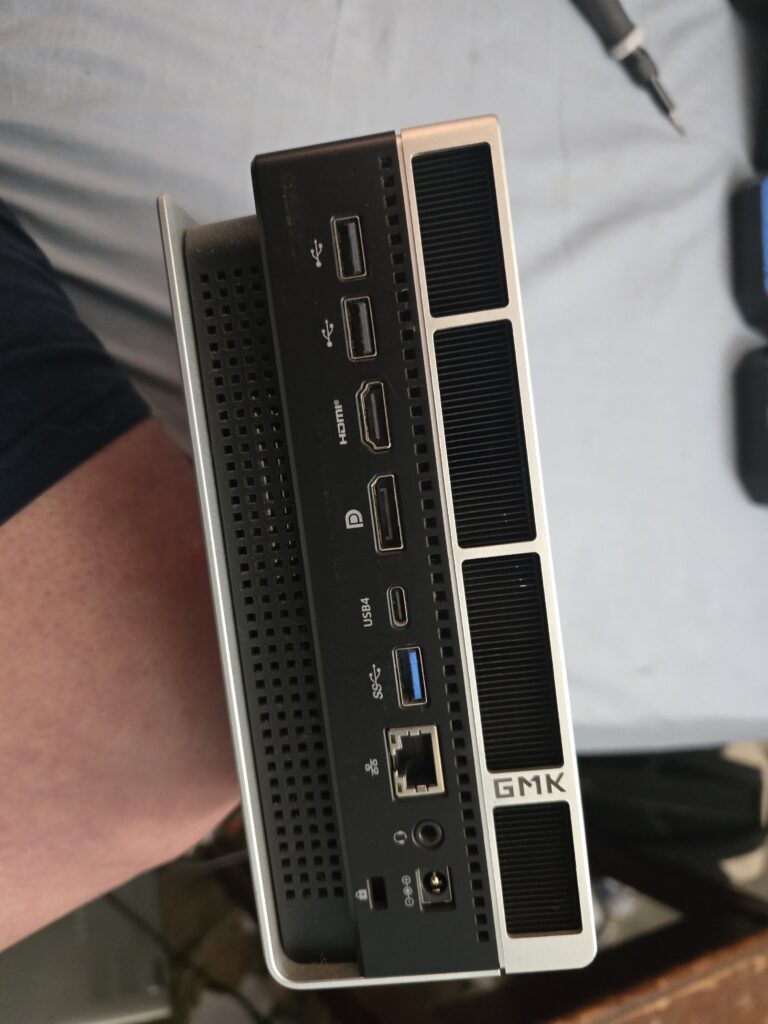
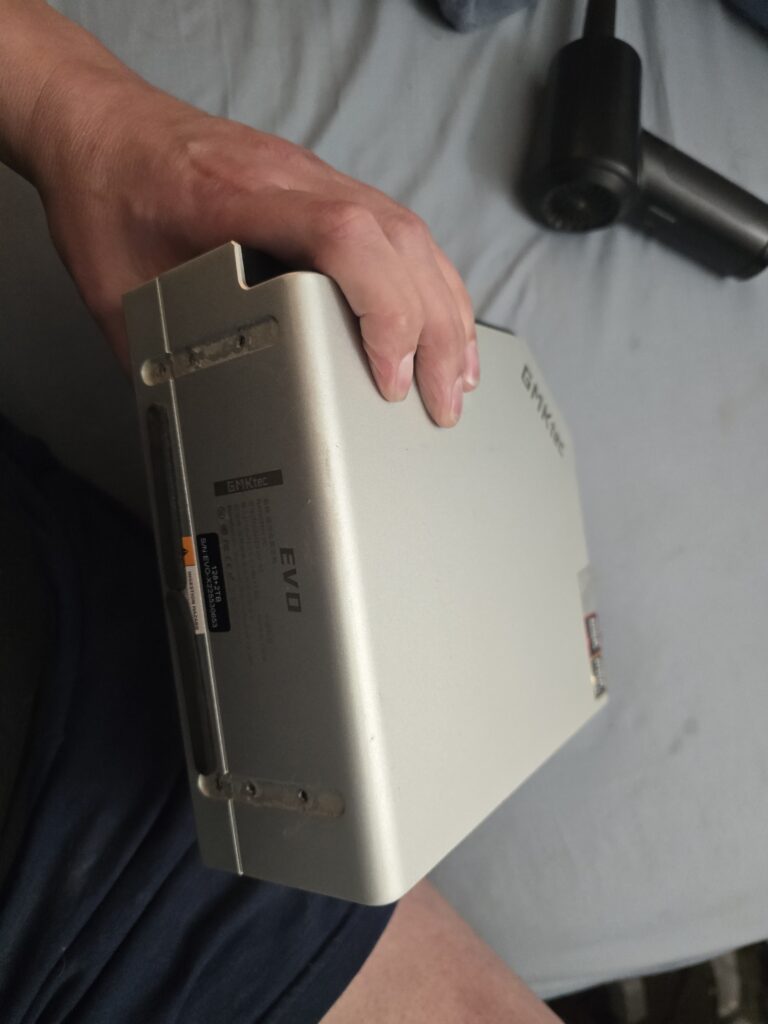
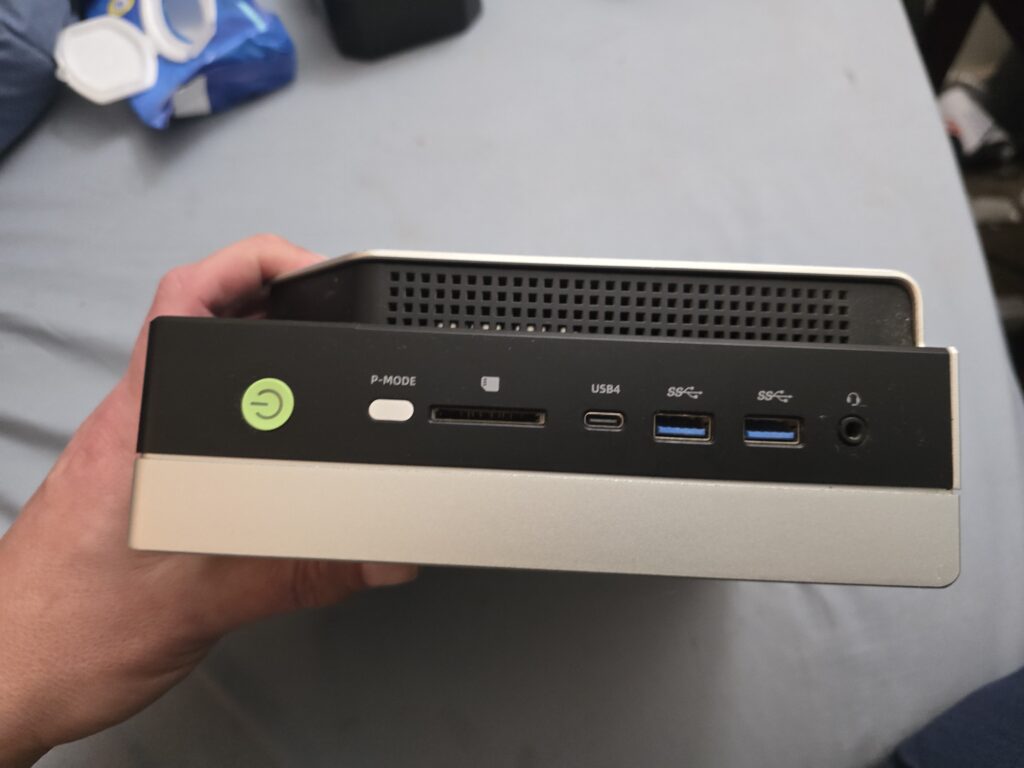
    I have a GMKTec Evo-X2 Mini PC purchased last year before the prices went to Alpha Centari. I paid $1799.99 for the Unit and then bought a couple of 4TB Samsung 990 NVMe SSDs to push it to 8TB.

    • AMD Ryzen AI 9 395+ Max 16 Zen 5 Cores / 32 Threads
    • 128GB LPDDR5-8000 Memory
    • AMD 8060S Graphics (40 RDNA 3.5 Compute Units)
      • Up to 96GB of the 128GB LPDDR5-8000 can be dedicated to the GPU for Games / AI Tasks.
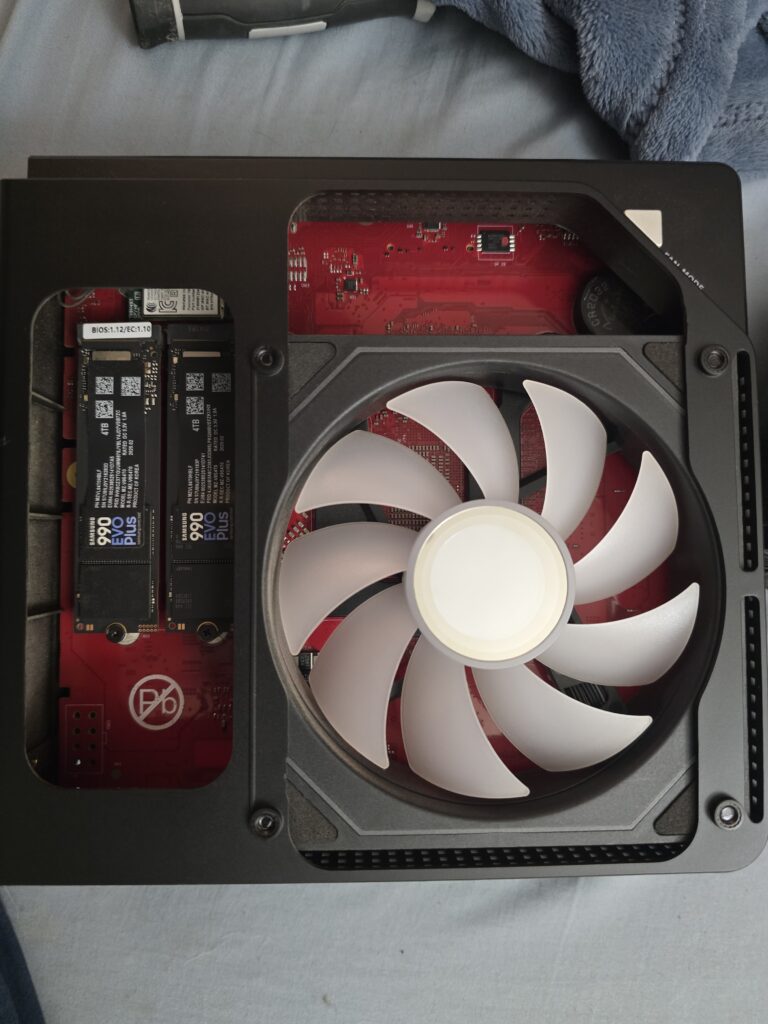
    • 2 x 4TB Samsung 990 EVO Plus SSDs
    • 2.5Gbit Ethernet.
    • Wifi 7 / Bluetooth

    Over all its a good machine!. It will play any game I want at a decent frame rate and I can use it to screw around with Open AI Models. Learning how to prompt AI is part of my job and local models are the least impactful way to learn as it doesn’t rely on big tech company’s AI Data-center wrecking the environment, economy, and people’s lives.

    It only uses 240W of power maximum. I have never pushed it above 200W. Much less than my previous tower with a 750W max. I only have 2 gripes. I wish it had 10 gigabit Ethernet and I wish the screws to open it weren’t under rubber feet held on by glue.

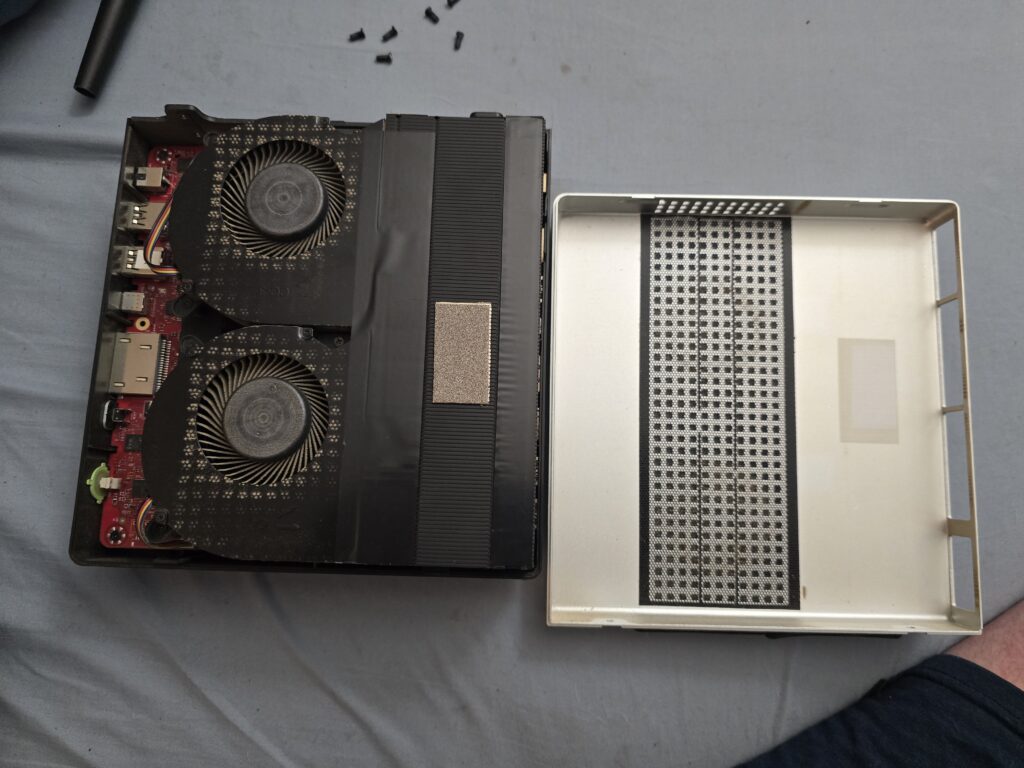
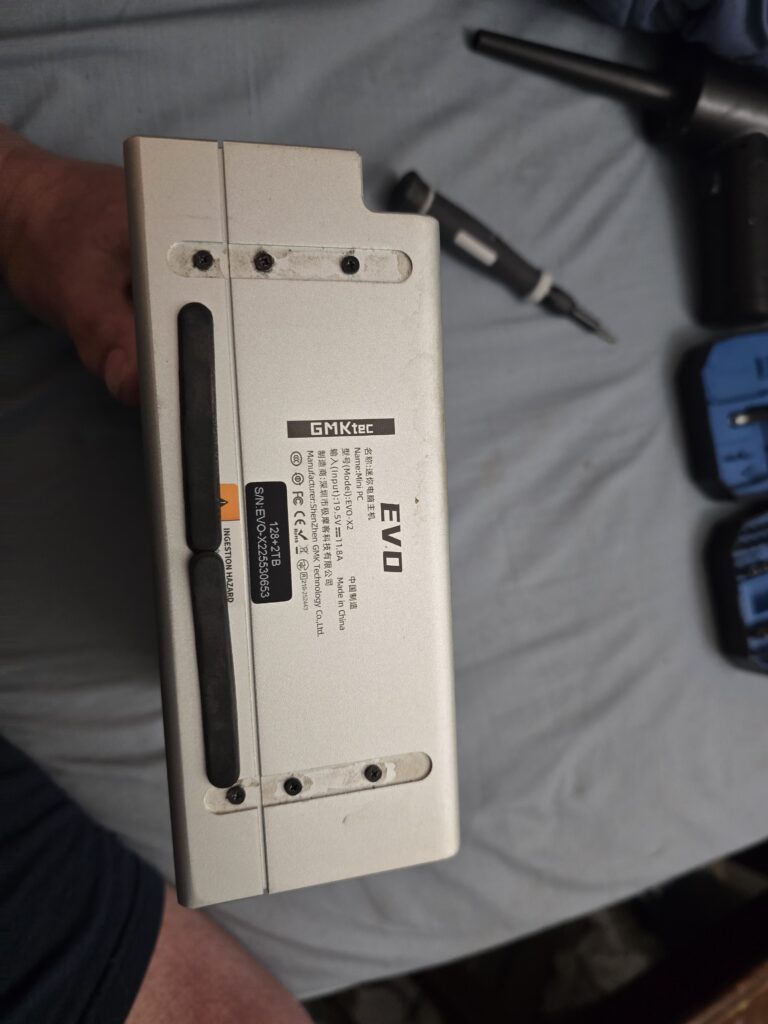
    I clean the dust out monthly to keep it in good condition. To do this you simply remove the 6 screws from the bottom and remove the covers. Then you can use your favorite dusting tool to blow the dust out of it and wipe out what the air cant get.

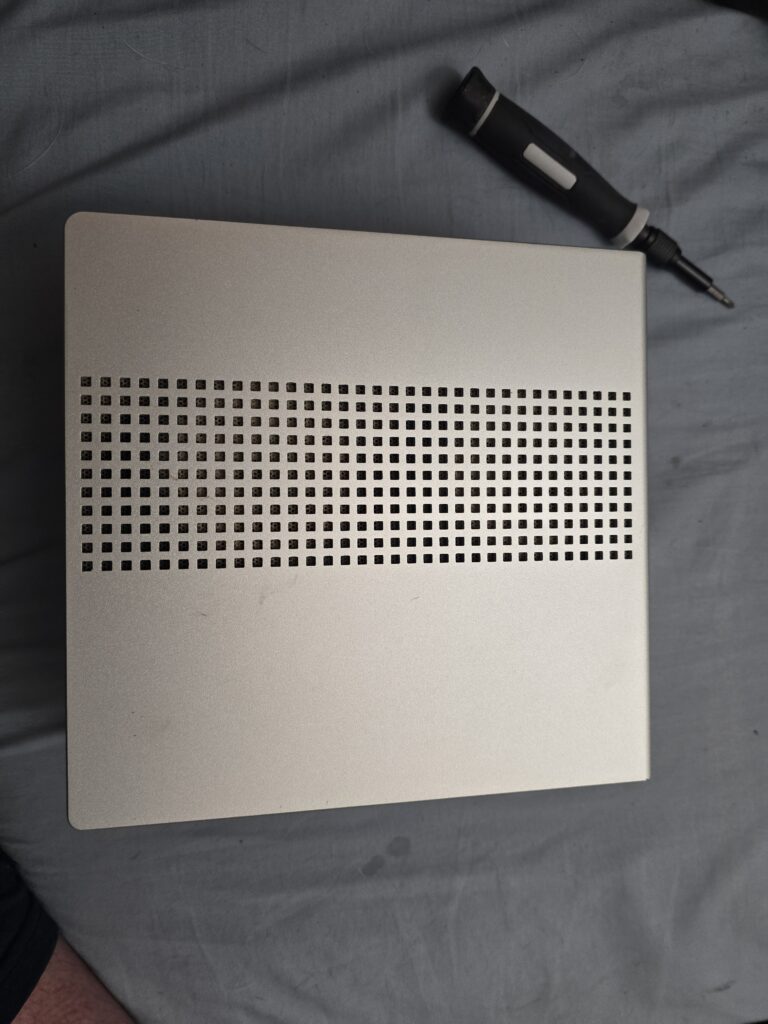
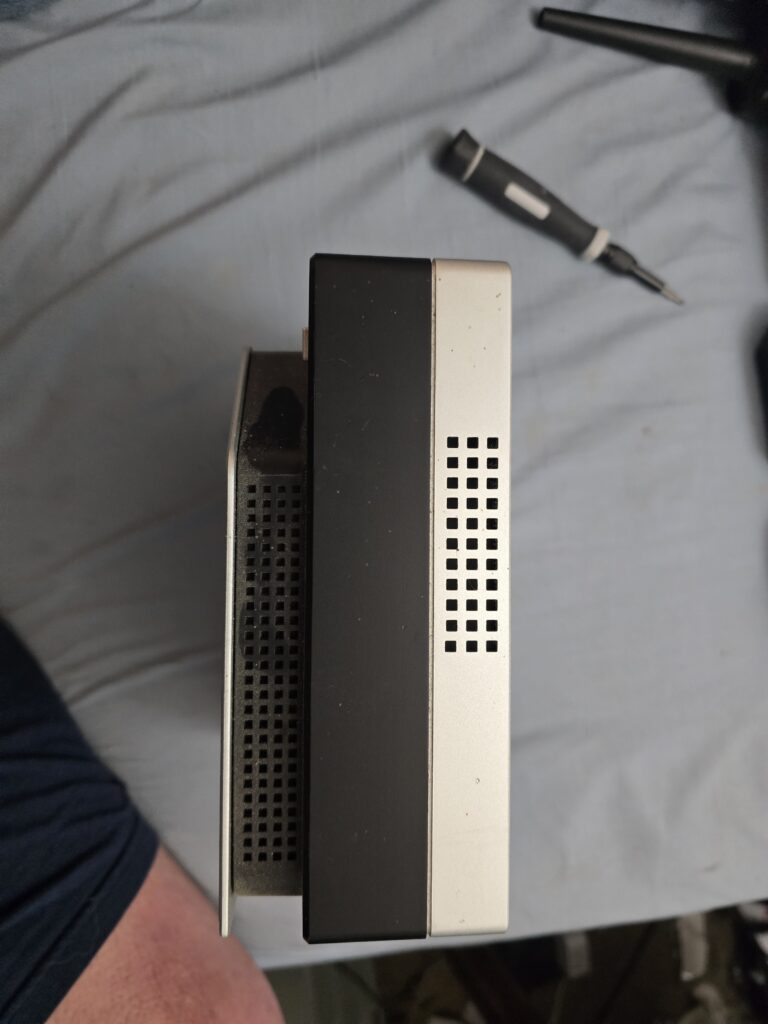
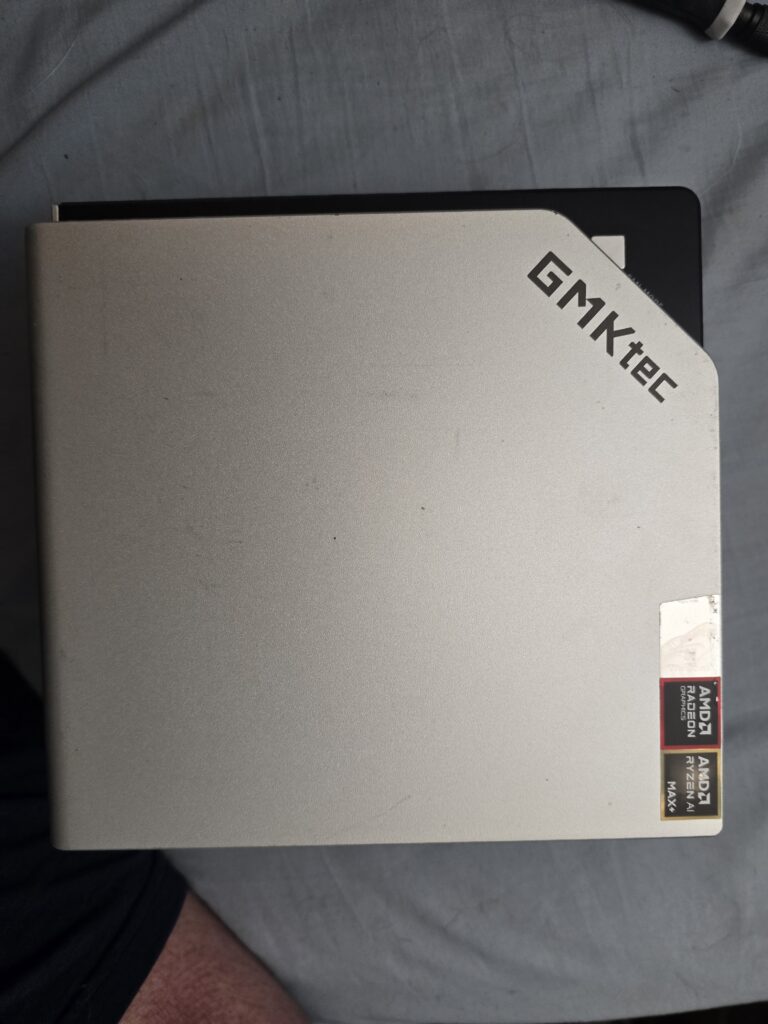
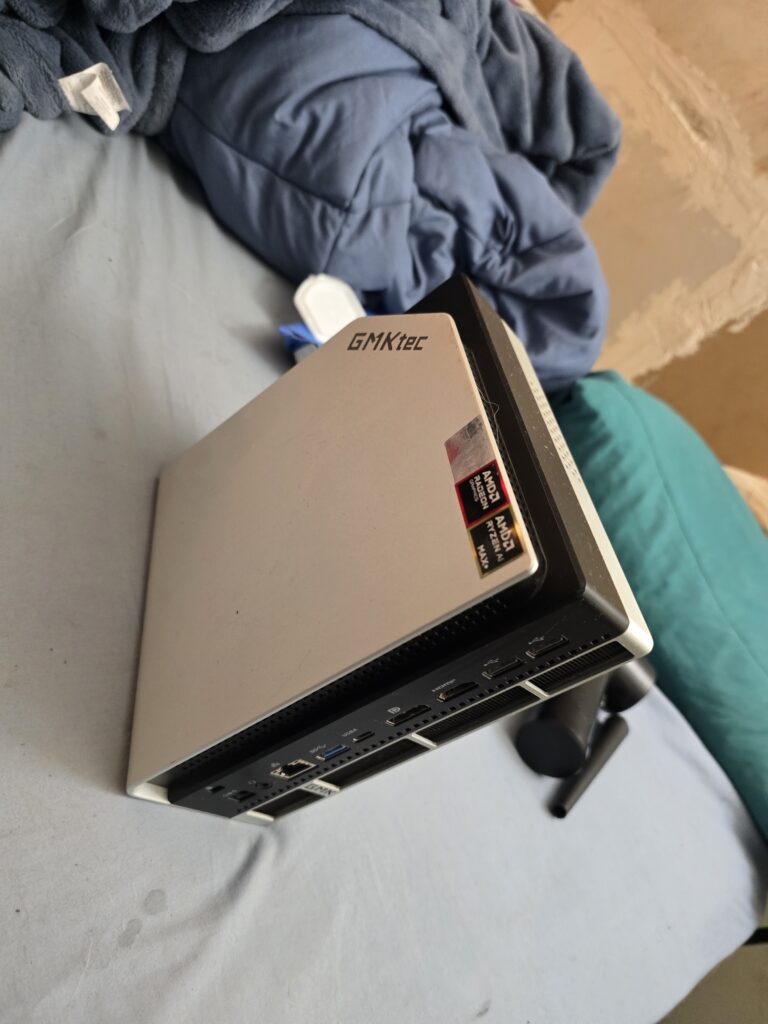
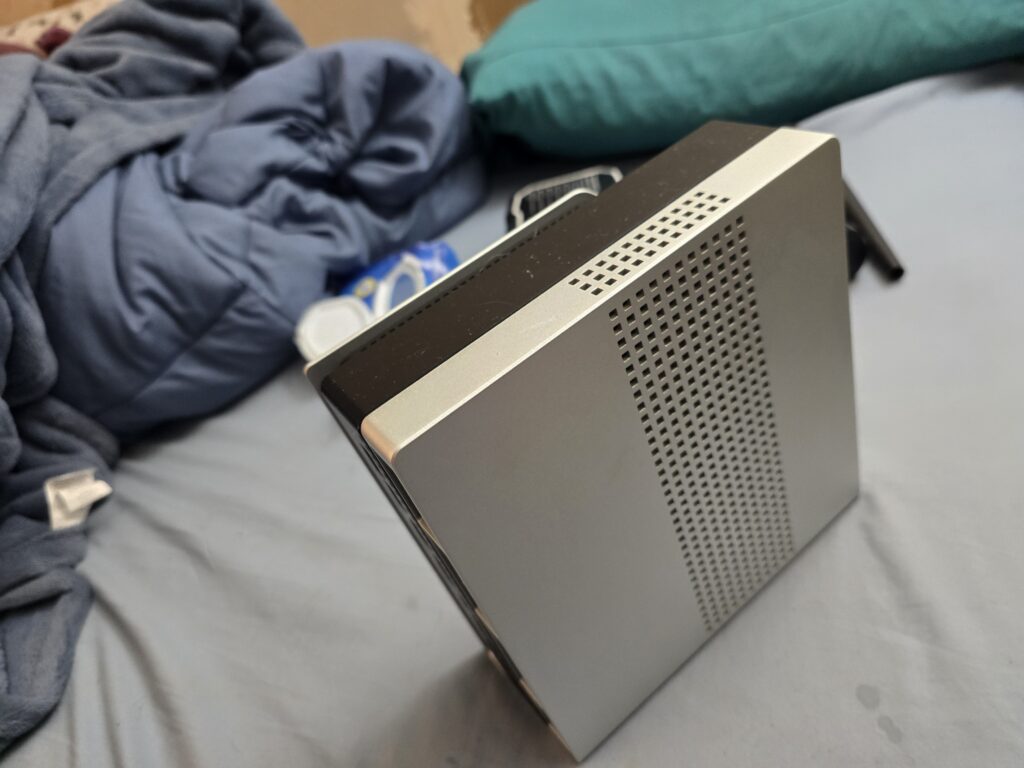
    The Evo-X2
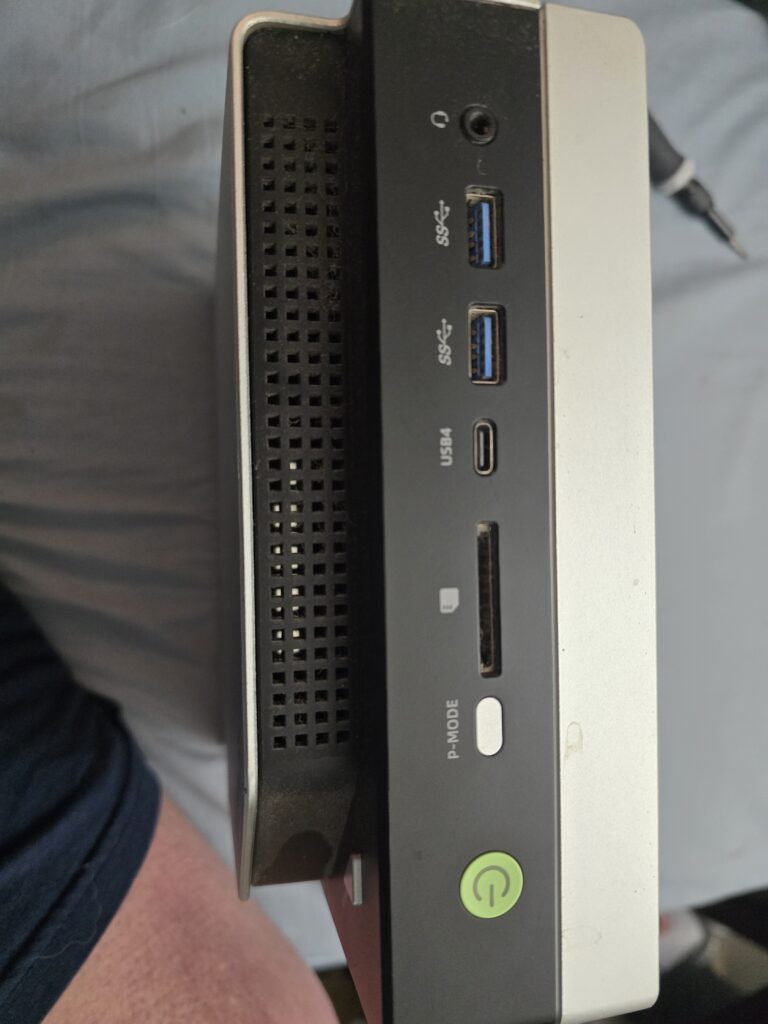
    Disassembly

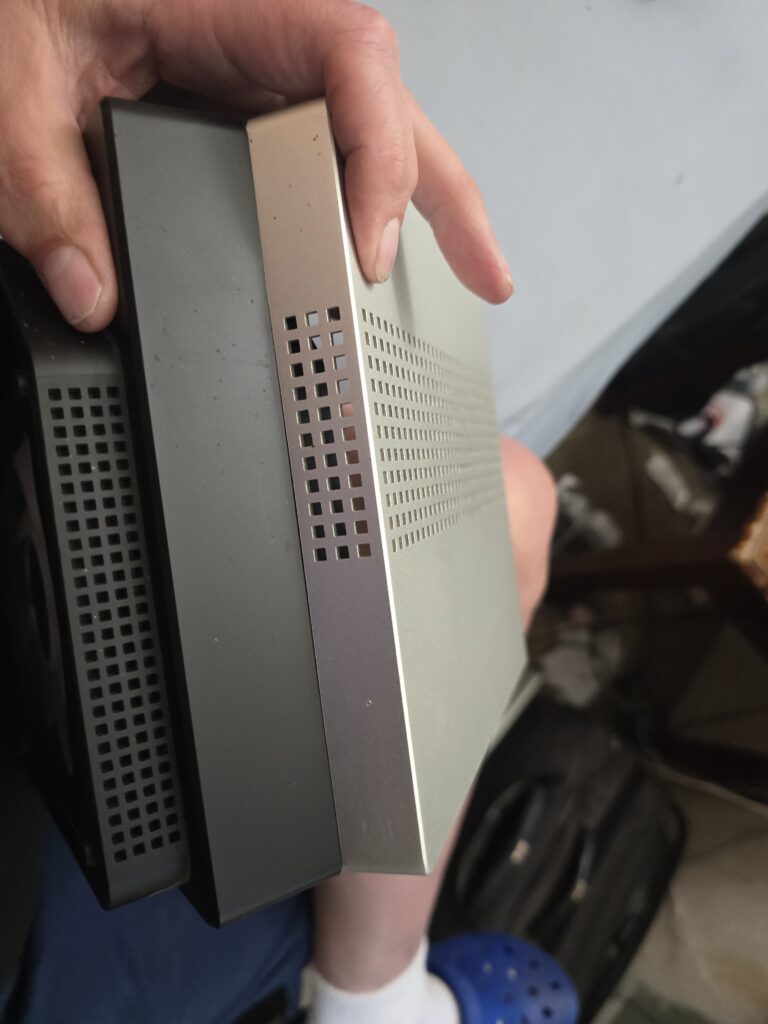
    Disassembly requires removing the 2 rubber feet that are glued on and then the 6 screws that hold the 2 side covers on. I usually stick the feet onto the bottom in hopes of protecting the glue that keeps them in place. After that you can tilt the side covers and pull them off.
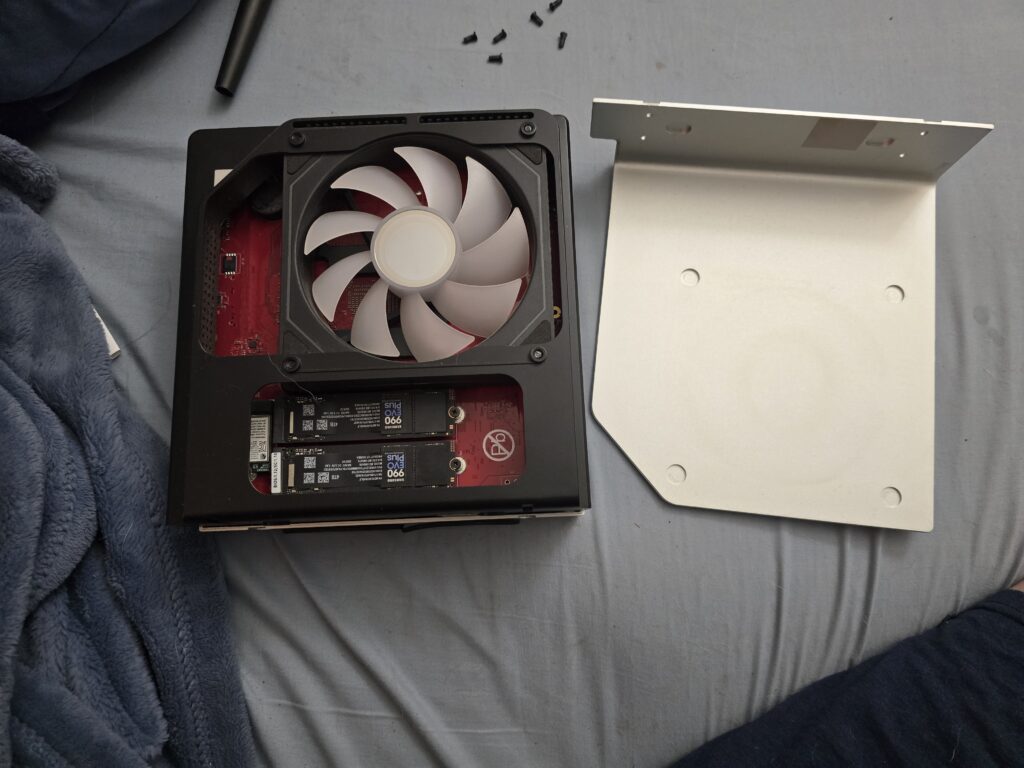
    A look Inside

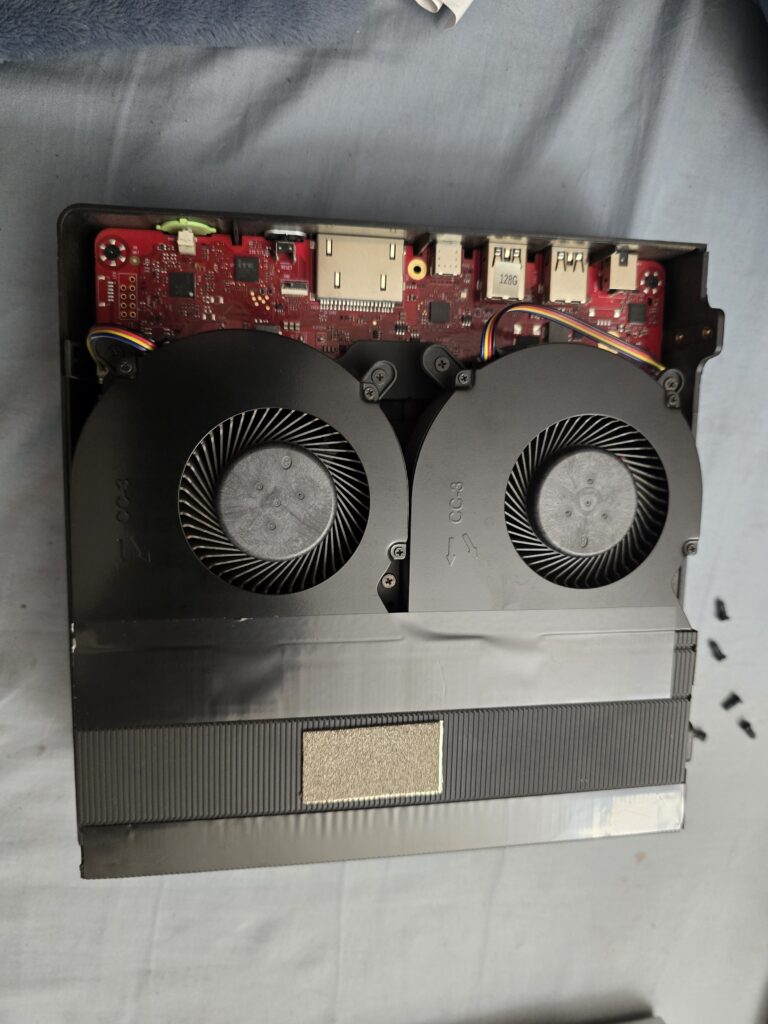
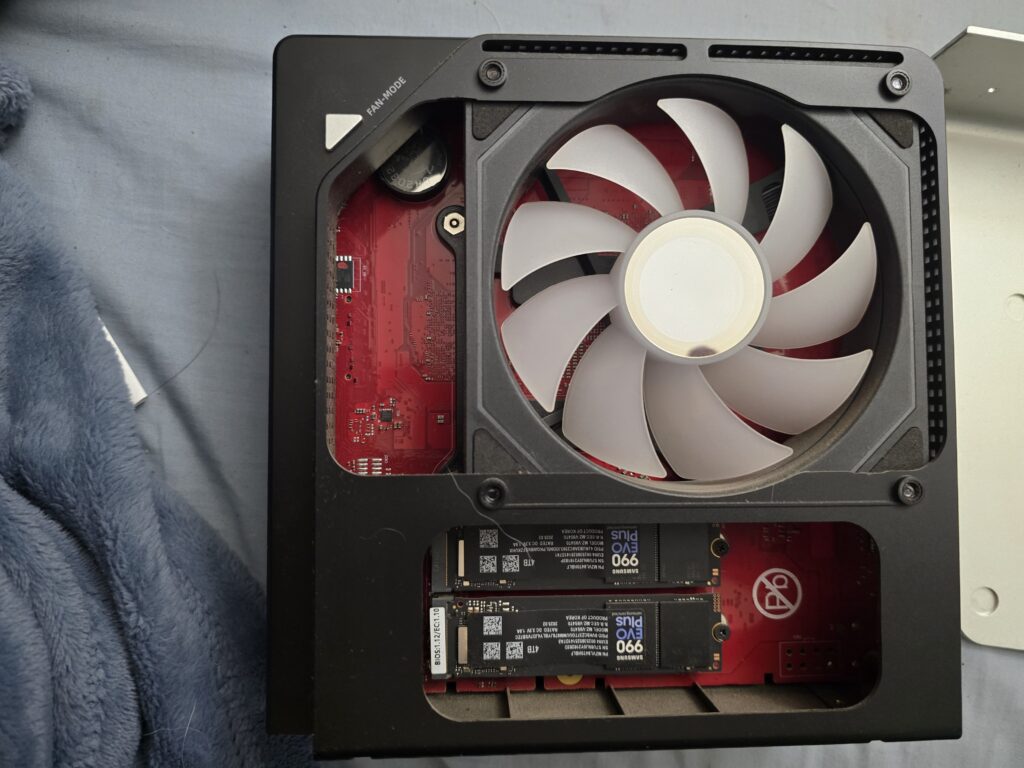
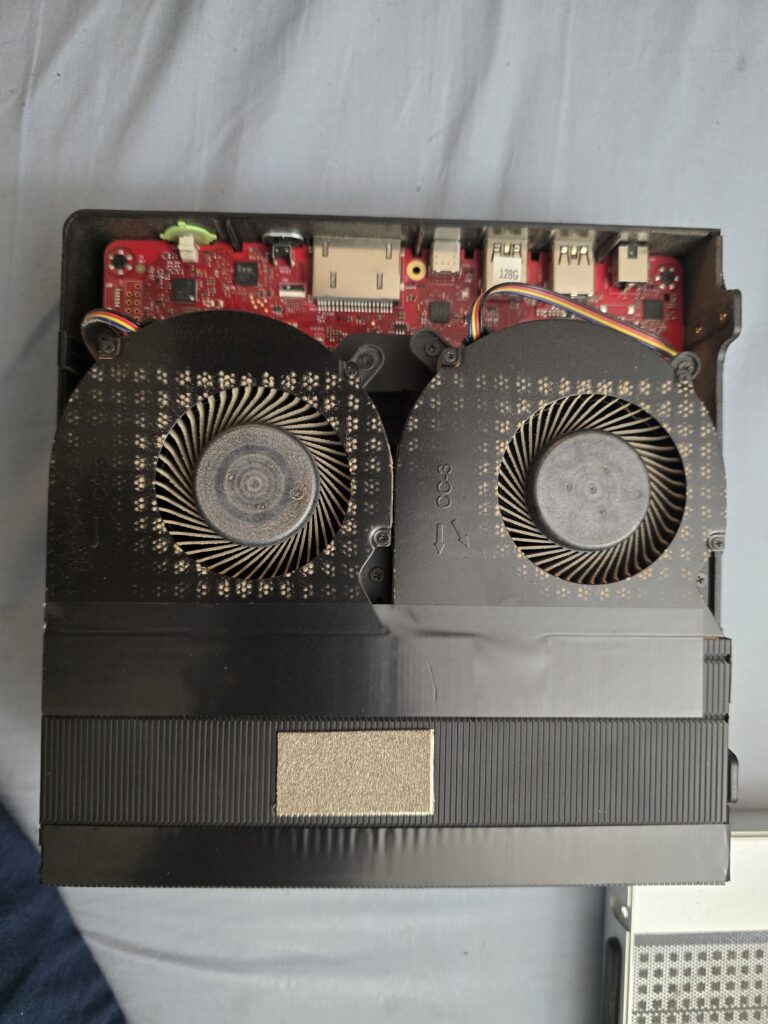
    One one side you can see the fan and two 4TB 990 Evo Plus SSDs. On the other is the massive vapor chamber cooler that cools the memory, CPU, and GPU. I hold each fan as I use my duster to clear the dust from them. I also dust out the back of the unit where the heat sink fin stick out. I alternate between the 2 blower units and the fins until there is no longer any dust coming out.

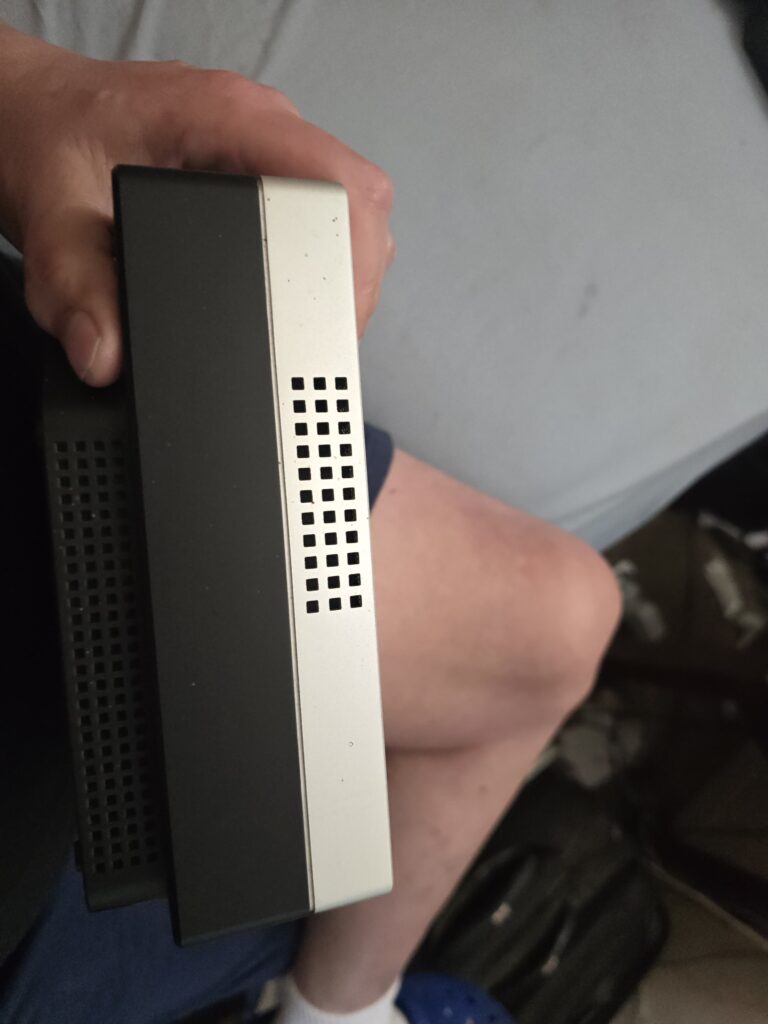
    I also blow out the filter on the one side panel as that is where the two blower fans pull cold air into the unit. Always best to make sure this is clear both of dust and any obstructions. You can tell the difference between the images where I have dusted and wiped down the internals versus before.
    Reassembly

    Re-assembling the Evo-X2 isn’t too difficult. The important thing is making sure the 2 tabs on the one side are properly inserted at an angle so that it sits flush when you tilt it back into place. Once that and the other side are on, its just 6 screws to put back then making sure the holes in the rubber feet are aligned with heads of the screws. Also hope the glue keeps working.
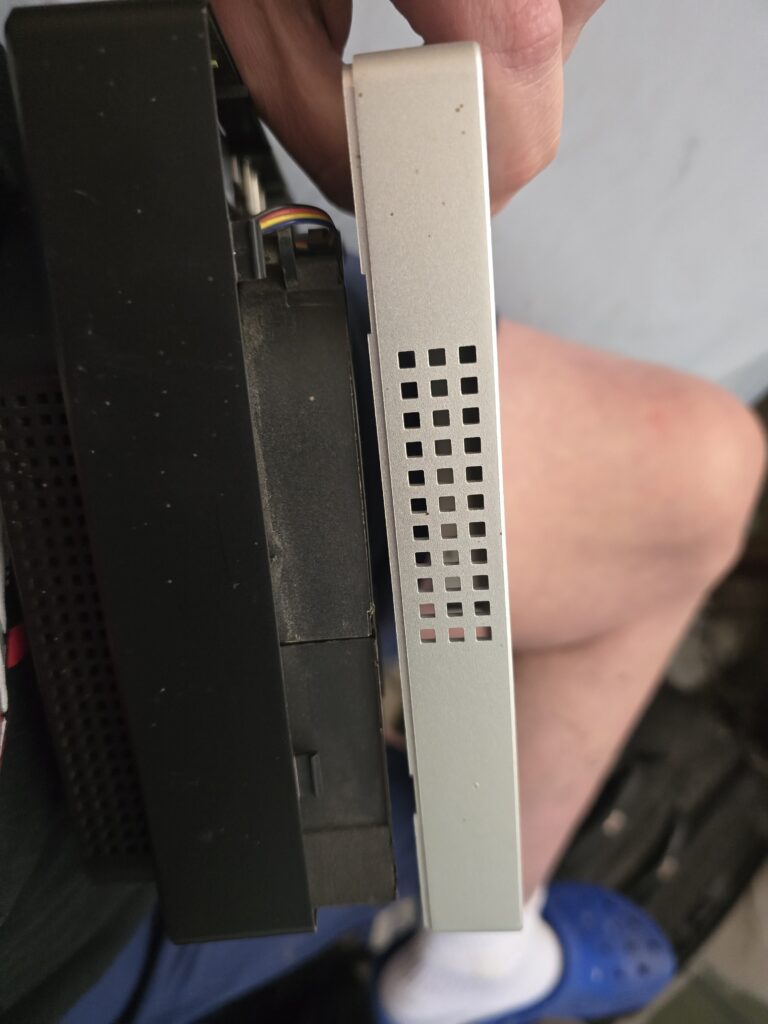
    Finishing up

    I typically wipe down the exterior once I have everything back together. Then the computer is ready for service again.
  • Network Upgrade Plan

    Since the single switch was the cause of 3 hours of headaches and could have resulted in data-loss plus lots of additional hours rebuilding everything, I am working on a plan for upgrading my network to be both faster and more redundant within the cluster.

    Materials Needed:

    • 2 x MikroTik CRS510-8XS-2XQ-IN (2x 100Gbit 8x 25Gbit ports)
    • 5 x Intel E810-XXVAM2 25Gbe Network Cards
    • 6 x 1 Meter 25Gbit Twinax Cables
    • 4 x 2 Meter 25 Gbit Twinax Cables
    • 2 x ASRock B550M Pro4 Motherboards

    This will upgrade the aggregate network speed to each host to 50Gbit/s in a bonded pair with one connection to each of the two switches. It also adds redundancy if one switch fails the link is simply reduced to half that speed rather than VMs crashing and data corrupting.

    I will have to upgrade the motherboards in the NAS and Proxmox Backup Server. The intel E810 NIC requires a PCI-E 4.0 connection with 8 lanes minimum. The boards in those to machines are B450 boards which don’t support PCI-E 4.0.

    The total cost as of this writing for the entire upgrade is roughly $4,200. I will have to budget and save for that but keeping my production cluster healthy is important since some of my Income depends on keeping it up and running.

  • Production Rebuilds

    Tuesday evening the 10Gbe switch that connects the 3 production Proxmox Hosts, the production NAS, and the Proxmox backup server overheated and stopped working. This had the unfortunate side-effect of taking everything down and corrupting much of the VM data on the NAS. This is the story of the 3 hour recovery process.

    My production home lab is not fully redundant in the sense that an enterprise cluster would be. I only have a single 10Gbe unmanaged switch and each production machine has only a single 10Gbit NIC with a single port. All of the hardware lives on a shelf in my living room rather than an air purified data-center or closet.

    The switch in question is a Netgear Unmanaged 8 Port 10Gbe switch which I’ve had for about 6 years. It along with the fact the NAS isn’t a dual controller NAS, is a singe point of failure for the Production cluster. The Proxmox Hosts rely on it to communicate with the NAS for Virtual Machine storage. When it dies its like ripping the hard disk out of a computer while its powered on.

    The switch failed because it was filled with dust and over heated. I spent about 45 minutes to open it up and carefully clean all of the dust off of the components and case. After cleaning it out and re-assembling it, The switch was in working order again.

    I tried firing everything up and noticed that the speed I was getting from the NAS to the VM was excruciatingly slow. The NAS throughput can max out the 10Gbe Connection easily which translates to about 1GB/s of transfer. The speed after the switch came back up was 80MB/s on average.

    I checked the network speed and it was fine. I noticed that the IO wait on the NAS was 80-90% which is odd. I checked the ZFS status and it was good. I ran a zfs trim command and that did not improve things after it completed. I figured something was corrupt or broken since ZFS was good SMART metrics on the SSDs were good, and the network throughput and latency were good.

    I spent a few hours running backups of all of the VMs to the Proxmox backup server in the hopes that I could avoid any data loss between 11PM the previous day and 7PM Tuesday. The backup worked for all but one VM. That VM was an emergency use Virtual Desktop thus less important.

    I then re-formated the ZFS pool on the NAS. Created the NFS Shares and started restoring the VMs. The restore process took roughly 20 minutes. All of the VMs restored and started up. Some had to repair filesystem errors but all was well in the end.

    All in all the lesson I take from this is that regular maintenance to keep the switch clean is highly important. Future plans to get a second switch and dual port 10Gbe nics for the 3 physical hosts, the NAS, and the Proxmox backup server will be a good investment in improving redundancy and preventing data loss.

    Special thanks to Tufts Lynx for streaming while I did all this work. Helped keep me in good spirits during the process.

  • Cirriculum Idea for Streaming : Roll your own Servers

    I have an Idea for a streaming series that would give others the knowledge on how to roll their own server or servers that others can access with minimal cloud resource utilization.

    Benefits:

    -Inexpensive way to get your own content, site, app whatever on the internet.
    -You control the content as it resides in your apartment, house, etc.
    -You don’t need a business internet account or special firewall rules on your router to make it work.
    -If you lose the small cloud VPS service you have, you still have all your data and can easily find another.
    -You control the content and who can access it.

    Here is my rough outline.

    1. Introduction to Virtualization on your own hardware
    2. LXC Containers versus Full VMs.
    3. Building your first Linux Server VM that can host websites, E-Mail
    4. Finding a Cheap VPS Host that will act as the internet gateway for your server.
    5. Registering a Domain and configuring Basic DNS setup for A, CNAME, and TXT (SPF / Domain Validation) records.
    6. Configuring an e-mail filter appliance VM to reduce spam.
    7. Requesting configuration from your VPS provider for E-Mail (Port 25 and Reverse lookup records)
    8. Building an OpenVPN bridge between your Linux VMs and your VPS with forwarding rules so that your Website, E-mail, etc are accessible to the internet at large.
    9. Backing up your Linux VMs to external media.
    10. Bonus Proxmox Backup Server using S3 storage so you can have a 3-2-1 backup strategy. 3 copies. 2 different media types, 1 backup is offsite.
      PBS allows backing up to S3 targets such as bit bucket. While this adds cost to the setup it ensures that you have a copy of your backups in another location if something like a surge wrecks your hardware.

    I have done this setup myself when I couldn’t afford to rent a Physical Server from a company since Business internet with static IPs cost a mint.

    Here is a breakdown:

    Business Internet with 5 Static IPs $400/month
    -Expensive but grants essentially unlimited bandwidth with a 24/hour SLA if it goes down.
    -Still need to buy your own hardware and provide redundant electricity.

    Rented Server (Interserver.net) $93+ depending on configuration.
    -Less expensive with the same unlimited 1GBps Bandwidth. With options to go all the way up to 100Gbps bandwidth.
    -Redundant power without needing to buy your own generator.
    -Backup can be done to a Backup server running on some lower end hardware at your house / apartment.
    -Can be more expensive than Business internet if you need something stupidly beefy.
    For context, I rent a 12 Core /24 Thread Ryzen 9 Server with 128GB of RAM with 4 TB of Redundant High Speed SSD and 10 IP addresses for $174/month.
    -Best if you need something with high uptime but don’t want to invest heavily in redundant power / internet which can cost several mints. I fall into this category. I neither have a mint nor the space to set up that type of equipment.

    Hosted VPS with OpenVPN connection to a VM at your residence.
    -Cheap. A single VPS on special from a place like RackNerd with 1 IP and 3000GB of bandwidth per month is $22/ year
    -The VPS host likely has redundant internet connectivity.
    -The setup is more intense from a technical point as it involves understanding more advanced networking setups.

    In all 3 cases you still have to buy a domain from a registrar like nearlyfreespeech.net or whois.com which can run anywhere from $13-$30 per year depending on what type you want.
    For most things I use whois.com for Domain and DNS. They do not charge for DNS service though their service does have limitations like a minimum of 2h Time to Live for records which makes changes take longer to propagate.

    Why do this? Well I’ve noticed that its getting harder and harder to set up your own stuff that you retain control now days. As tech commerce in general progresses towards a “you will own nothing and like it” mentality, I would like to provide a cheap alternative that others can use to set up their own creative space where the only rules on content are laws, they retain ownership of the data, hardware, and backups. The cost is reasonable, etc.

    I’m an old folf (fox-wolf) that has had to keep my own stuff afloat during hard financial times. I’ve been asked by clients for an enterprise experience under 10k of hardware. I’ve experienced my own data loss and see other creators give up when some platform deleted all of their work due to a glitch and they had no way to restore that content. I want to give back and pass on what I had to learn by necessity and determination.

    What do I get out of it? The joy of seeing others’ lives improved. I will get better at teaching others which is something i sorely lack and need to get better at as my age is slowly reducing my ability to pull off long overnight stints that are required for doing this kind of work.

    Thoughts?

    Kavin